INSTALLATION
24
To make your selection, use the UP/DOWN ARROW buttons to highlight the choice, and then press the
ENTER button to go to the next step.
Select the Best Output Resolution
One of the major advantages of the OPPO Blu-Ray Disc Player is its ability to play high-definition Blu-Ray
video and also up-convert stand ard d efinition video stored on DVD discs to high definition. Th e sophisticated
video processor inside the pl ay
er ensures that the vide o will have the best possible color, detail an d motion.
The player offers several standard and high definition video output resolutions. To get the best visual result, it
is important to select an output resolution that best matches you r TV or displa
y device.
The rule of thumb when selecting an output resolution is to match the “native resolution” of your TV or display
device as closely as possible. The “native resolution ” is the resolution of the actual display component in the
TV,
such as the Plasma panel, LCD panel, or DLP™ chip. The TV may accept input signals with lower or
higher resolutions than its native resolution. In such cases the electronics in the TV will up-scale or down-
scale the video to fit
its display component. Unfortunately many TVs on the market only do an average job
scaling the video. On the other hand, if you set the OPPO Blu-ray Disc Player to out p ut a resolution that
matches or is very close to the native
resolution of the TV, you are more likely to get a great picture.
For the latest generation of 1080p, “Full HD” or “True HD” displays, the best output resolution w ill naturally be
1080p. (A few early model 1080p displays do not accept 1080p
signal. For these displays the best o utput
resolution to use is 1080i.) For all other di gital televisions this will likely be 720p. For CRT tube or rear
projection televisions this will likely be 1080i. For EDTV displays (very rare
if they have HDMI or DVI) this will
be 480p (NTSC) or 576p (PAL). These are general recommendations that work for most users, but there can
be exce ptions. Advanced us ers may want to try all suppo rted resolutions and choose the one that provides
the best visual result.
The OPPO Blu-ra y Disc Pla yer supports a special “Source Direct” output res olution on its HDMI output. This
resolution is recommended for use with exter nal video processo rs or high -end TVs. In “Sou rce Direct” mode,
the player works as
a “transport”. It decodes video from the discs and then sends the raw video signal in its
native re s olut ion and format, without ex tra processing, to the ex ternal video processor or TV. The actual
output resolution varies by content:
Content Source Direct Output Resolution
NTSC DVD 480i
PAL DVD 576i
Most Blu-ray Movies (film-source) 1080p 23.976Hz or 1080p 24Hz
Most Blu-ray TV shows or Concerts
(video-source)
1080i
SACD and DVD-Audio 1080i
Depending on your selection of “Primary Video
Output”, the available outp ut resolution selections
will differ. For the HDMI 1 and HDMI 2 out put, the
following output resolutions are available: Auto,
1080p, 1080i, 720p, 480p/576p, 480i/576i, and
Source Direct. If “Auto” is select ed, the
player will
determine its output resolution based on the best
signal resolution that the TV can display.
For the Analog (component) output, the following
output resolutions are availa ble: 1080p, 1080i,
720p, 480p/576p and 480i/576i. Please note
1080p only applies to HDMI output, if
it is selected
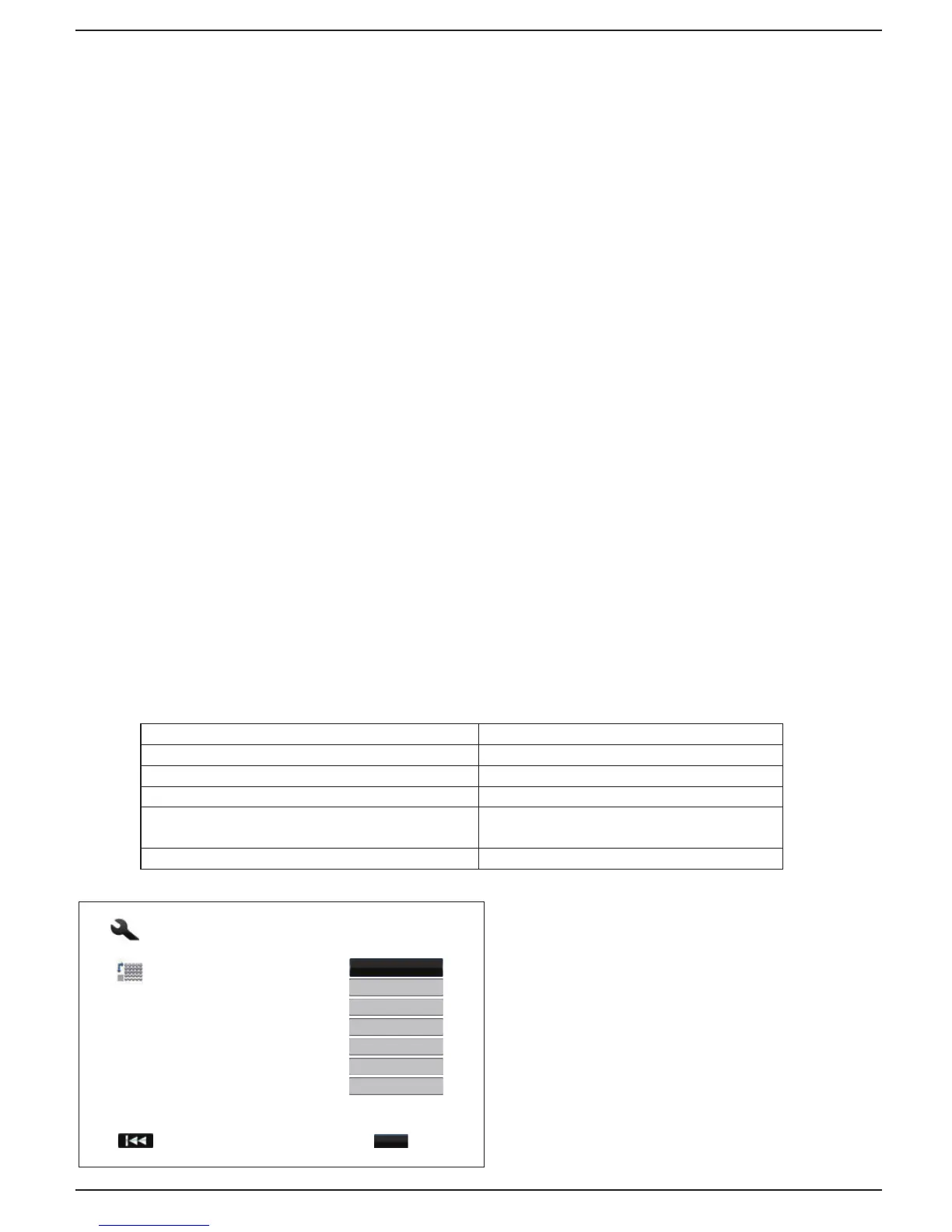
Easy Setup
txeNsuoiverP
Step: 3/6
Choose the output resolution which best matches
your TV.
Change will be applied immediately. You will have
15 seconds to either save the new setting or
rollback to the previous output resolution.
720p
Auto
480p/576p
480i/576i
Source Direct
1080i
1080p
Enter



 To Next Page