Connection to converter C4000
- 23 -
optek-sensors AS56, Version 04.2010_1.2US, 15.04.2010
www.optek.com
6 Connection to converter C4000
For connecting sensor cables, observe the following basic conditions:
• Bring a sensor cable to the cable entry from underneath.
• Form a loop with the sensor cable close to the cable entry.
• Do not lay sensor cables in ducts of current-carrying lines.
• Observe cable specifications (see technical data).
• To lay sensor cables underground without protection is prohibited.
For connecting the sensor to the converter, a sensor cable is provided.
Connection to the
sensor
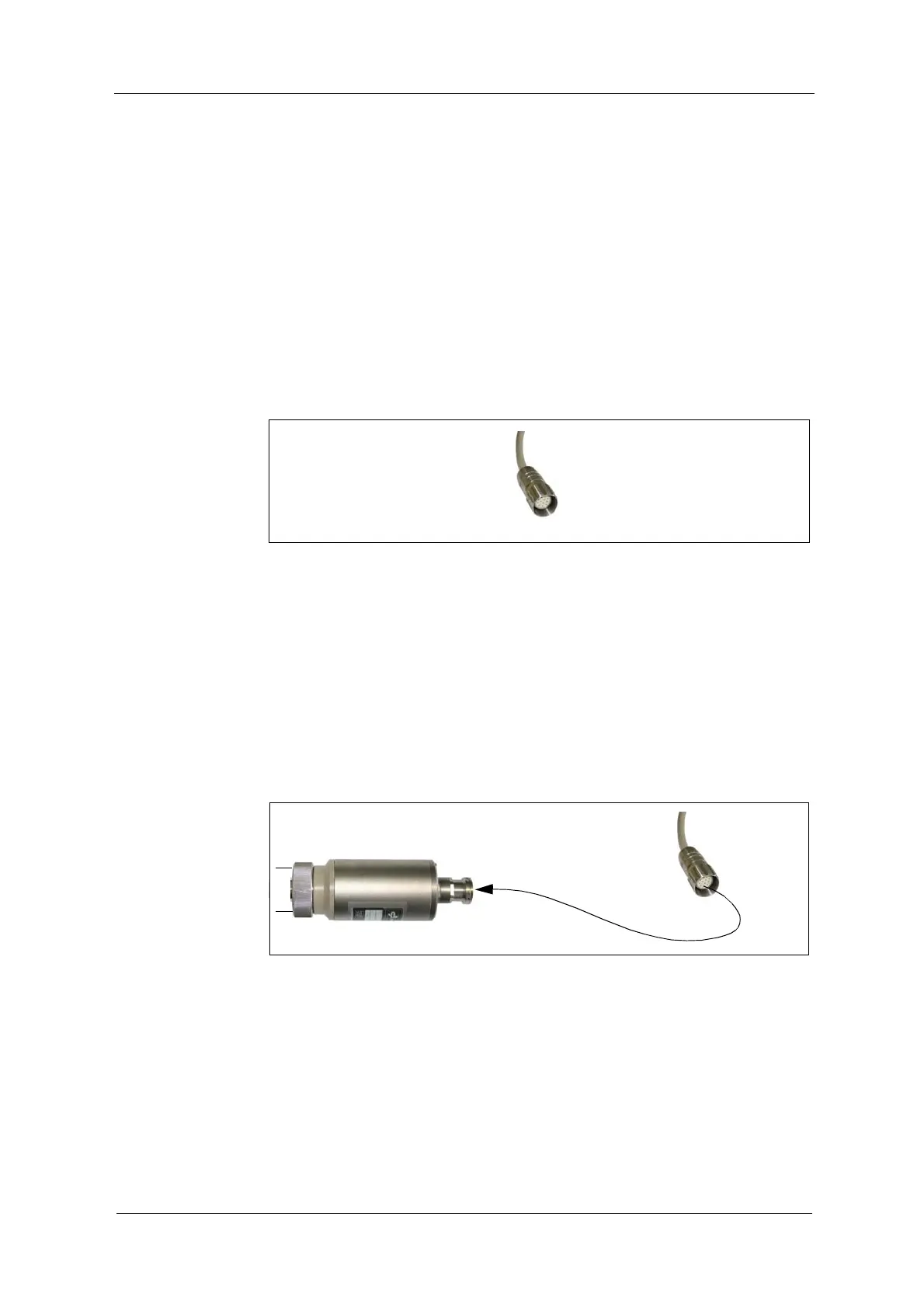
Fig. 15 Connector
Tool
• not needed
Connection of the sensor cable:
1. Loosen the connection cover of the sensor.
2. Loosen the plug cover on the sensor cable.
3. Insert the sensor cable until it audibly locks into place. Only then, the thread
grips.
4. Fasten the thread, until it locks into place. The connection is now fastened.
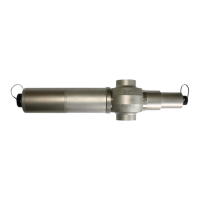
Fig. 16 Connecting sensor cable



 To Next Page