Optelec ClearView
+
English Page 20
Horizontal / vertical button
Pressing this button allows you to
switch the line markers / windows from the
vertical to the horizontal position.
5.3 Zero Button Feature Pack
The Zero Button Feature Pack makes reading effortless
thanks to the unique Auto Zoom fixed font technology.
Switching ON / OFF
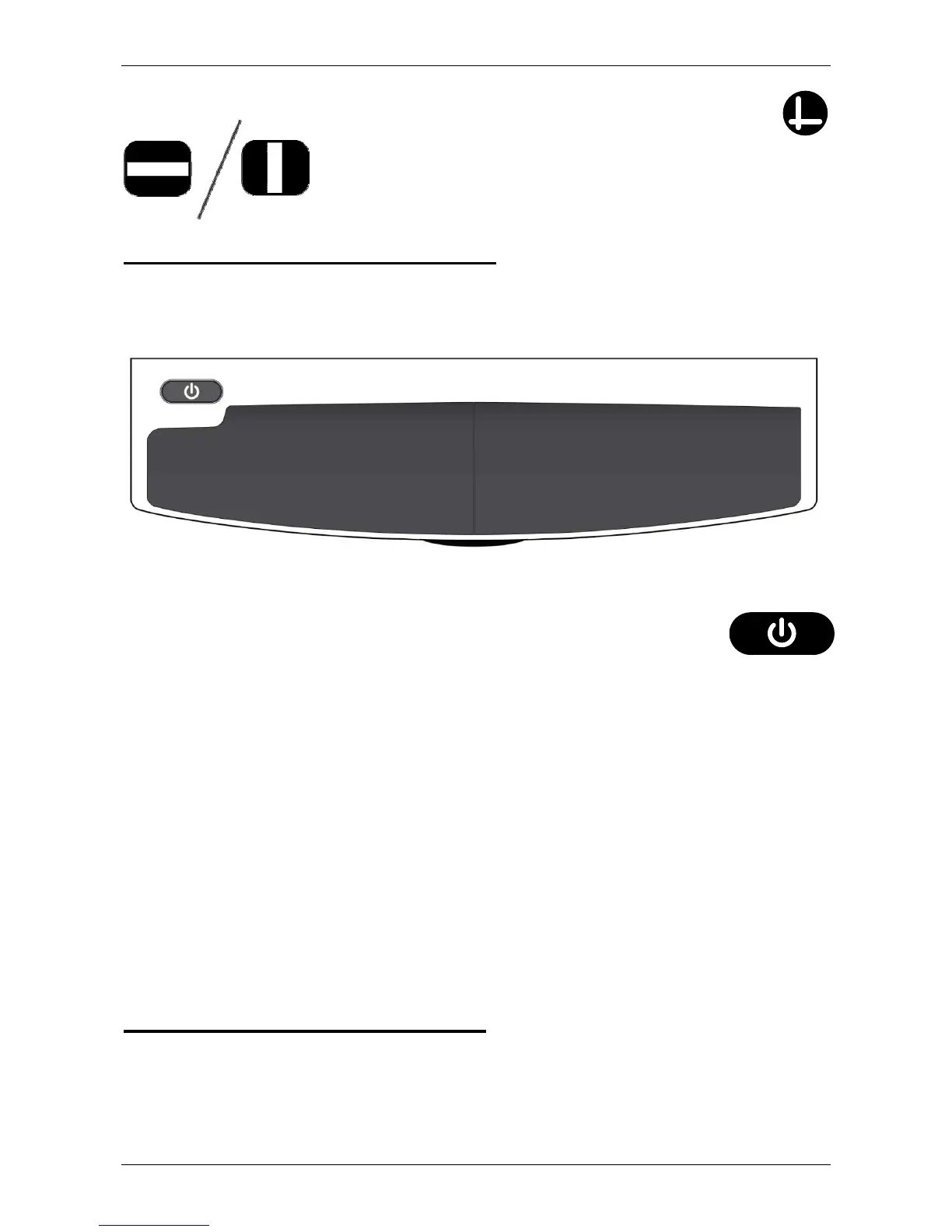
Press the On / Off button located on the left side,
above the wrist pad, to turn both the system and
the monitor on. A non-ClearView
+
monitor must
be switched On / Off separately.
Auto Zoom fixed font technology
The Zero Button Feature Pack features the unique Auto
Zoom fixed font technology. This feature automatically
converts and displays the text that is placed on the reading
table in your preferred fixed font size and viewing mode.
For more information about the Zero Button Feature Pack,
please refer to the separate Zero Button User Manual.
5.4 Auto Zoom Feature Pack
The Auto Zoom Feature Pack features the same functions
as the Feature Pack Basic and the unique Auto Zoom fixed
font technology. For a description of the semi-color and















 To Next Page