Optelec ClearView
+
English Page 22
6. The Feature Pack Advanced
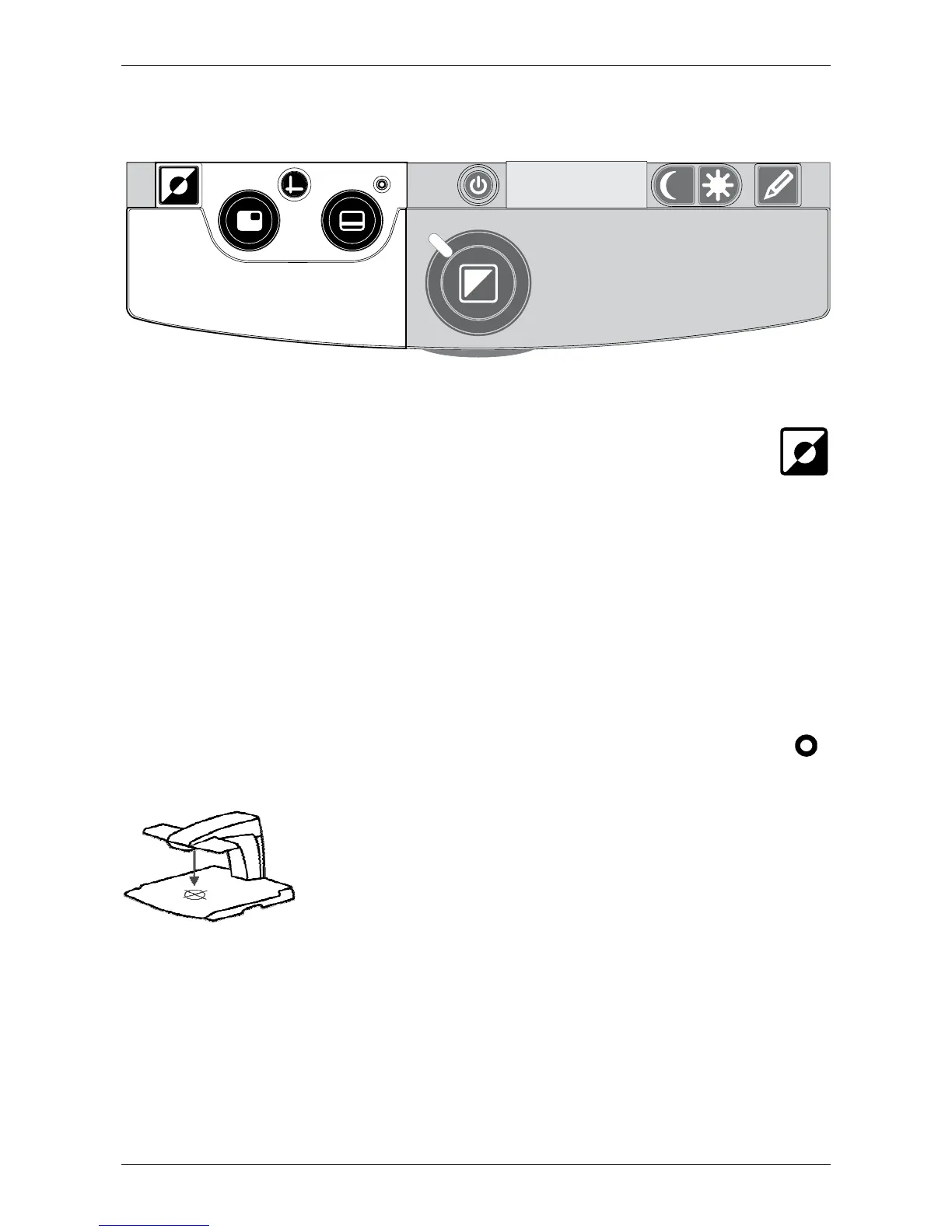
Semi–color combinations
Pressing this button in high contrast reading modes
cycles you through 7 different foreground and background
color combinations. You may choose to display text in a
selection of color combinations when additional contrast is
needed, or when a different set of color combination
provides increased visibility. Press and hold the button for
two seconds to instantly return to black / white.
Pointer (position locator)
Pressing this button will activate a red LED light, which
shows as a red spotlight on the object in the
centre of the reading table. It serves to
indicate the centre of the on-screen image.
To assist with writing place a pen in the red
spotlight on the reading table and see the
pen displayed in the centre of your screen. Press this button
once again to deactivate the LED light.















 To Next Page