Optelec ClearView
+
English Page 24
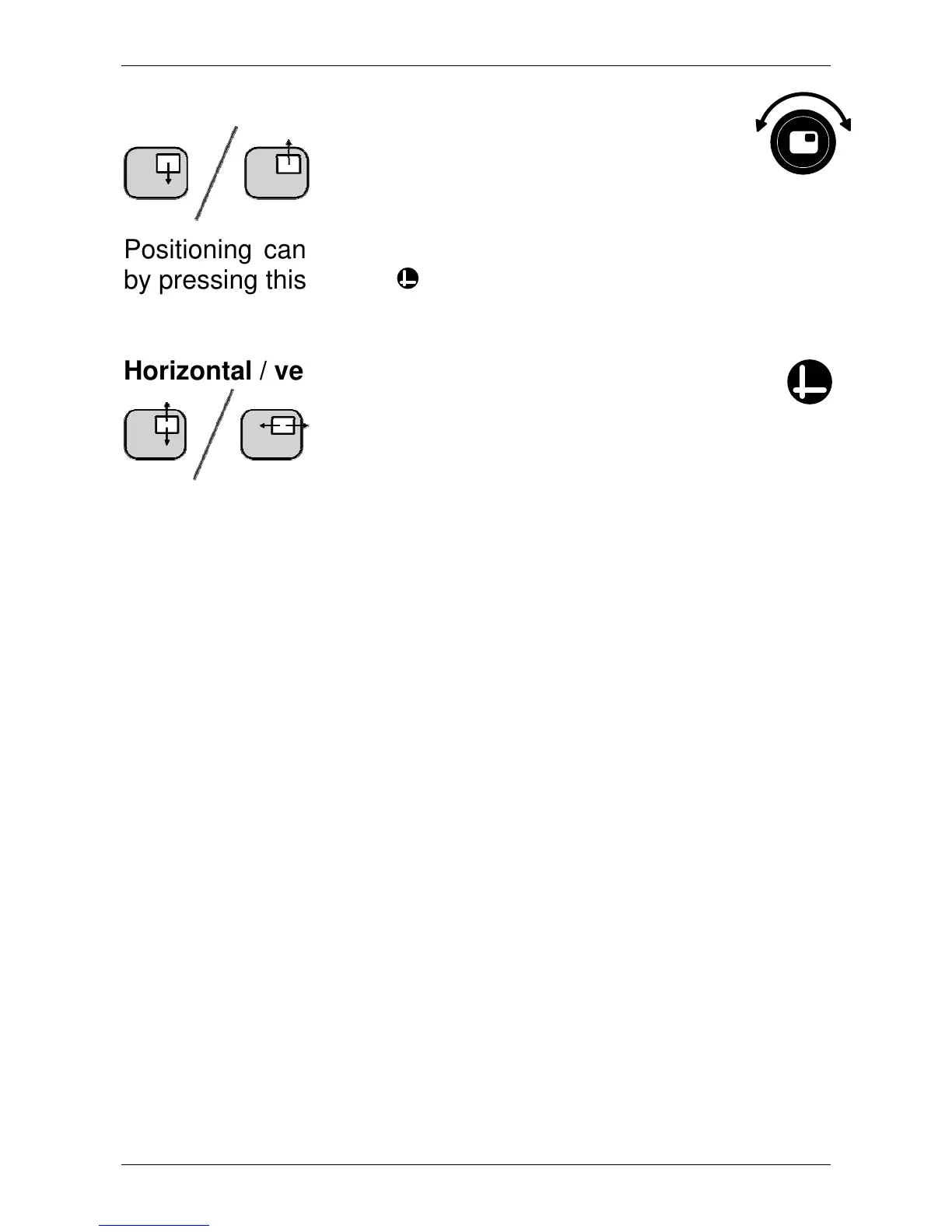
Positioning line markers
When line markers or window
shades are activated, turning this
button will change the position of
the line markers or window shades.
Positioning can either be modified horizontally or vertically
by pressing this button .
Horizontal / vertical button
Pressing this button allows you to
switch the line markers and window shades
from a vertical to a horizontal position.















 To Next Page