APPLICATION AND OPERATION: Email
34
ENGLISH
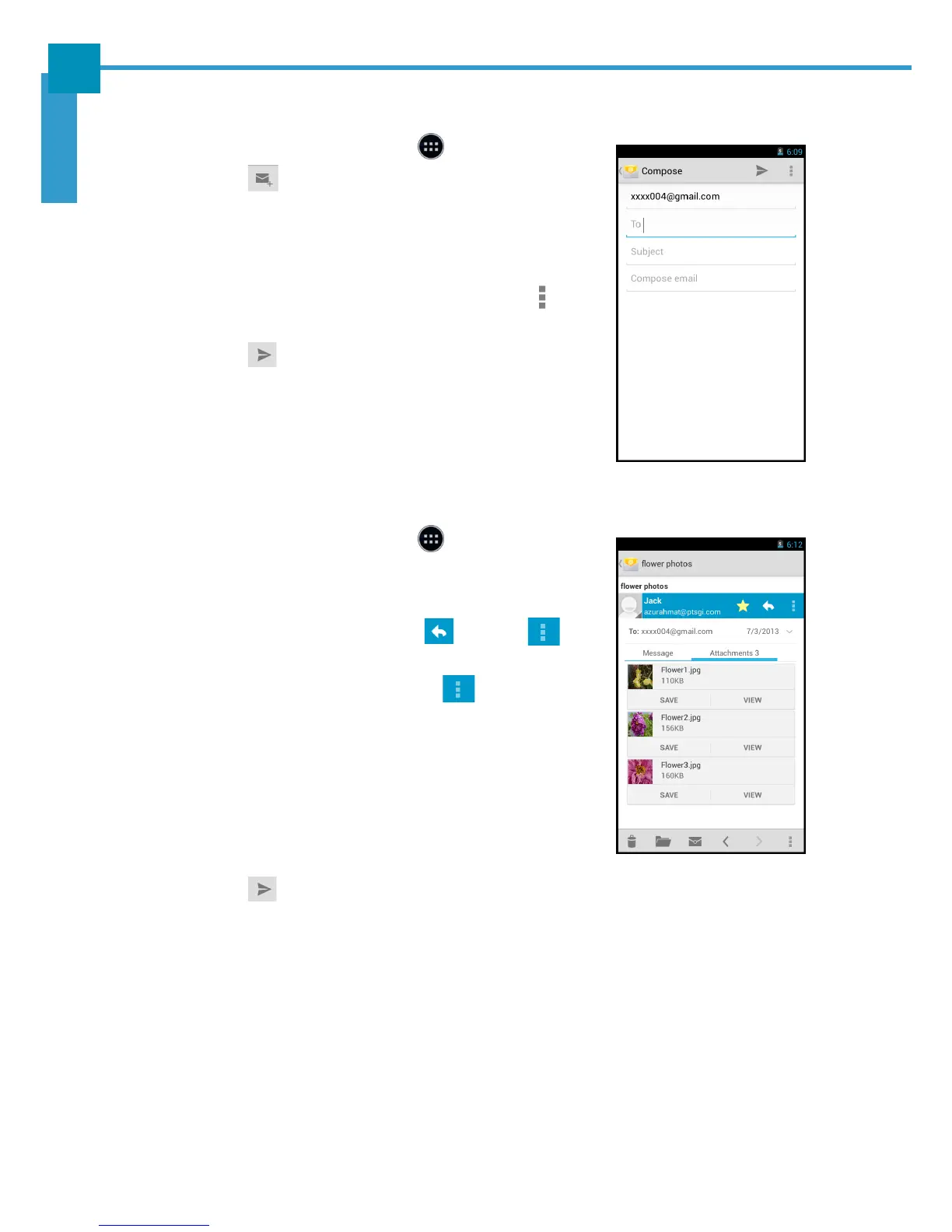
Composing and Sending an Email
1. On the Home screen, touch > Email.
2. Touch .
3. Enter the recipient’s email address in the To field.
4. Enter a subject in the Subject field (if necessary).
5. Compose the email.
NOTE: To add attachments to emails, touch >
Attach file. Then select the file to attach.
6. Touch to send the email.
Reading and Replying an Email
1. On the Home screen, touch > Email.
2. Touch an email to open it.
3. Perform any of the following:
• To reply the email, touch or touch >
Reply all.
• To forward the email, touch > Forward.
Then enter the recipient email in the To field.
• To view the attachment, touch the Attachments
tab. To save the file into the device, touch SAVE.
NOTE: To view the attached photo in full screen,
touch VIEW.
4. Compose the email.
5. Touch to send the email.



 To Next Page