APPLICATION AND OPERATION: Phone
49
ENGLISH
Phone
Use Phone to make or receive a phone call using the device.
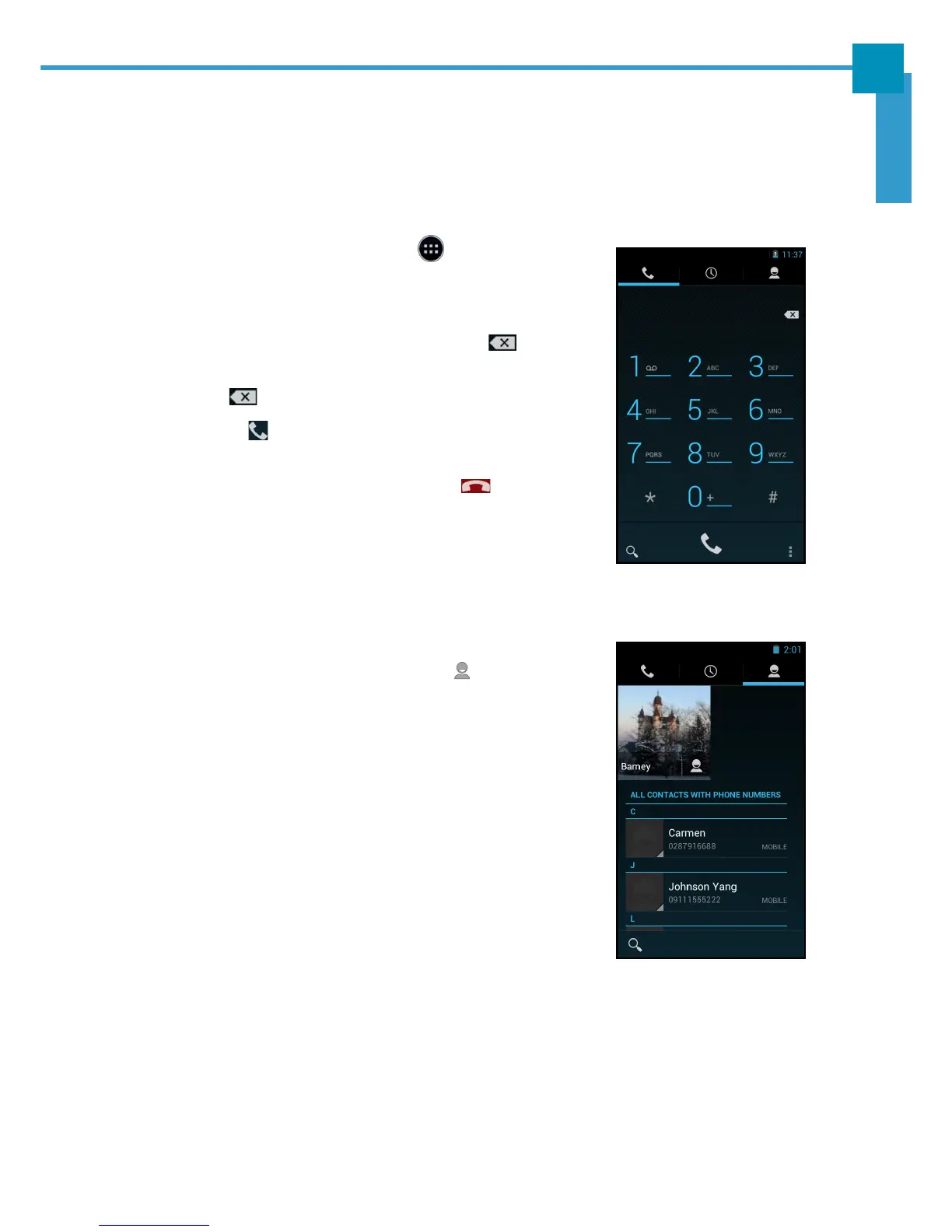
Making a Call
1. On the Home screen, touch > Phone.
2. Enter the phone number using the on-screen
keypad.
• To delete a wrong number, touch .
• To delete the entire number, touch and hold
.
3. Touch to make a call after the user finishes
entering the phone number.
4. To end the call after dialing, touch .
NOTE: As an alternative, calls can be made directly from
the contact lists. Touch People ( ) tab and touch
the desired contact’s phone number.



 To Next Page