APPLICATION AND OPERATION: Phone
50
ENGLISH
Answering a Call
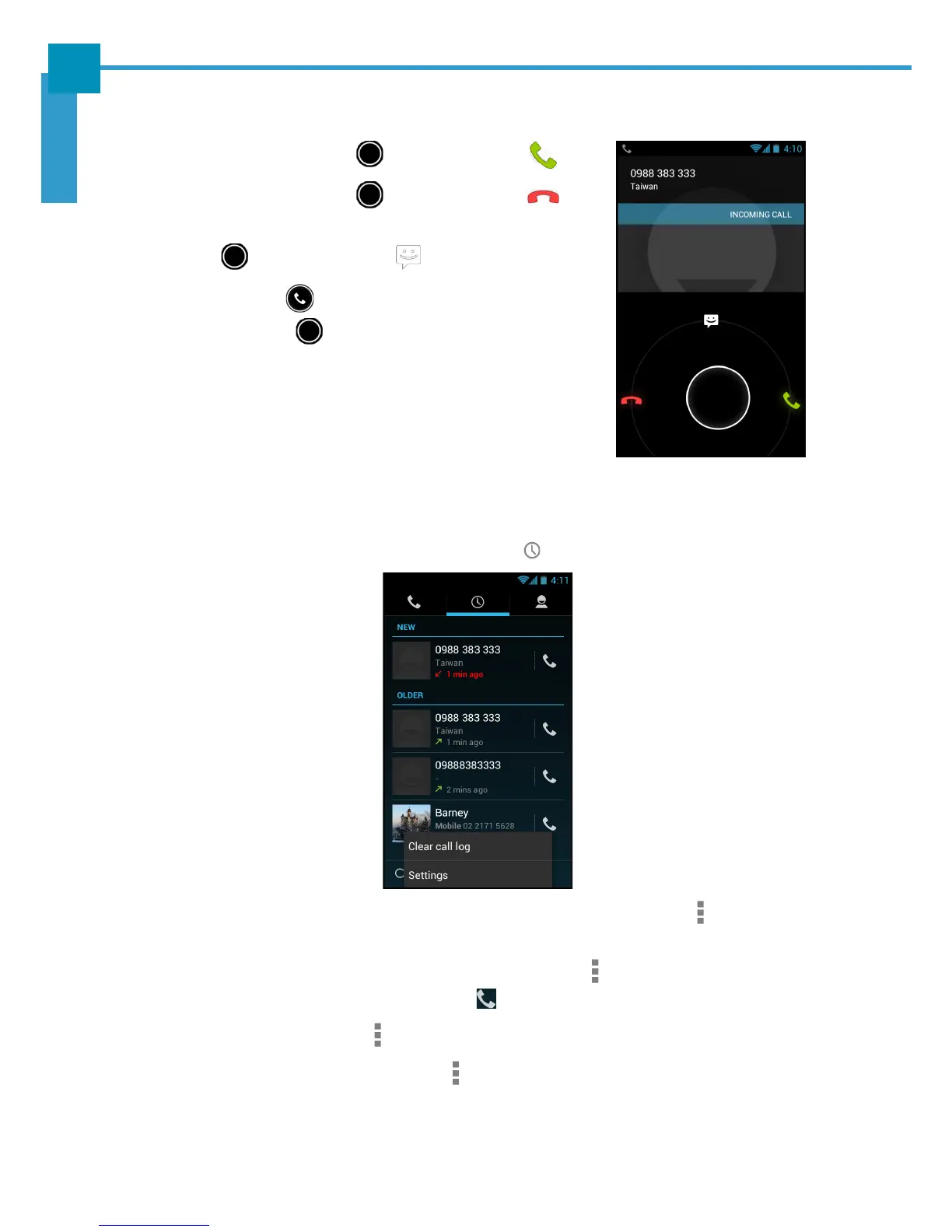
• To answer a call, touch and drag it to the icon.
• To reject the call, touch and drag it to the icon.
• To reject and send a message directly to the caller,
touch and drag it to the icon.
NOTE: When the icon is touched, it automatically
changes to .
Viewing Call Log
The Call Log screen displays the recent outgoing, received, or missed calls.
To view the Call Log screen, touch the Call Log ( ) tab.
• To remove an entry from the list, select the desired entry and touch > Remove
from call log.
• To edit the phone number before making a call, touch > Edit number before
call. Edit the phone number and touch to make a call.
• To clear all call log, touch > Clear call log. Touch OK to confirm.
• To configure the call settings, touch > Settings. Tap the desired option and
change the necessary settings.



 To Next Page