21
*d/%+(d&(($)<
Press dor go to $$"d2112 to get the Recorded List. Use the to highlight “Preferences” on
the right-hand menu and press . A list of options will appear that can be customized.
d
“Sort list by most recently recorded”: Easily find the episode or series you want by sorting your recorded list
alphabetically or by record date.
d
“Enable folders”: Recorded series programs are automatically organized into folders. If you want all programs
to be listed individually, you can disable folders. The only exception is HD. Programming recorded in HD will
automatically be grouped in an HD recording folder.
d
“Set Record Episode Options”: Create your own personal preferences for when you record an episode using
the following options:
c “Keep” refers to managing storage space; choose until you delete, 1 to 14 days or until space is needed.
c “Start” time is based on the program guide and cannot be adjusted.
c “Stop” time allows you to choose to stop on time or a select number of minutes/hours at the end of an
episode to extend the record time. Stop time can be extended up to 3 hours past the program guide
program end time.
d
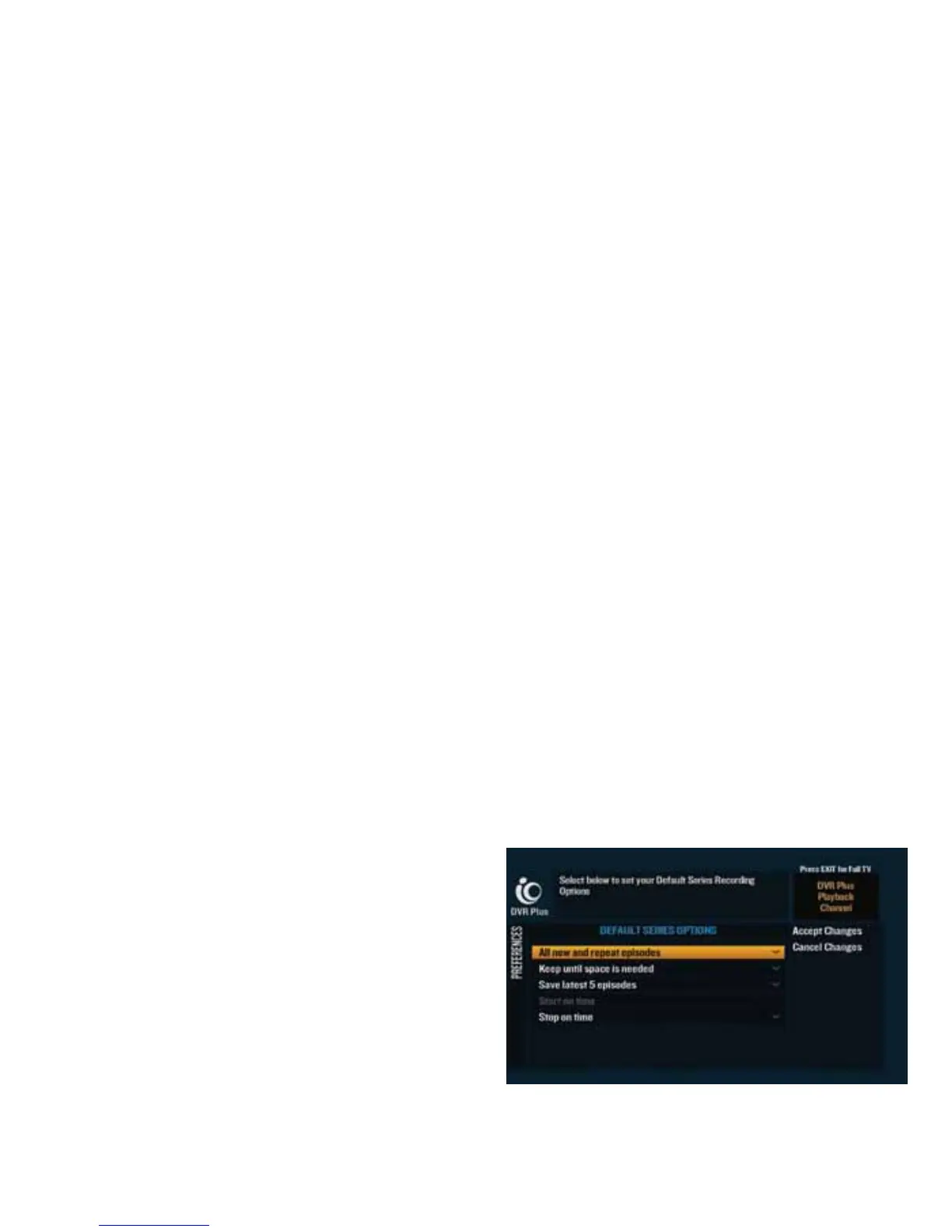
“Set Record Series Options”: Create your own personal preferences for when you record a series using the
following options:
c “All New” refers to show type; choose new episodes only, new and repeat episodes at a particular time or
day or all new and repeat episodes.
c “Keep” refers to managing storage space; choose until you delete, 1 to 14 days or until space is needed.
c “Save Latest” lets you decide how many episodes of a series you want to save; chose 1 to 5 episodes or
all episodes.
c “Start” time is based on the program guide and cannot
be adjusted.
c “Stop” time allows you to choose to stop on time or a
select number of minutes/hours at the end of an
episode to extend the record time. Stop time can be
extended up to 3 hours past the program guide
program end time.



 To Next Page