7
Program guide 101.
Finding the programs that interest you is easy.
Pressd on your remote to access the guide.
You can navigate it in three ways:
d
Use thed to move through the program listings one at a time: up/down/left/right.
d
Used to scroll a whole page up or down.
d
Enter the channel number.
$Od)%#*$d*%d-*<
Search programming for the next 12 days.
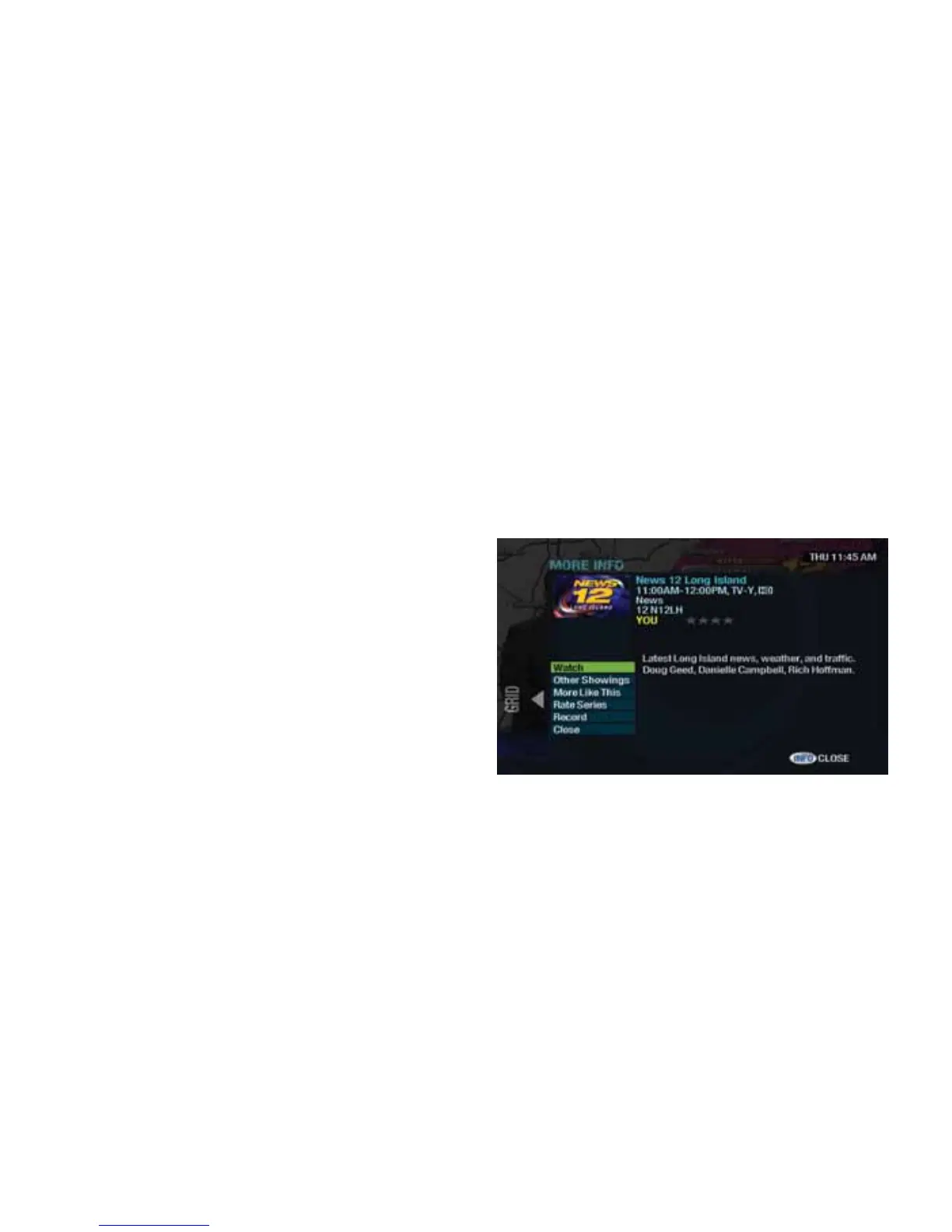
Press don your remote once, while you’re
in the guide. In More Info, you can chose from a
list of options.
d
Watch the program.
d
Find other showings and more episodes of a program.
d
Search “More Like This” and find other
similar programming.
d
Rate a program and view critic ratings. If the program is part of a series, you’ll see “Rate Series” instead of “Rate It ”.
d
Record the program or series. You can also cancel recordings here.
Access these features while watching a program by pressing twice.



 To Next Page