24
Watch.
Ready to watch the program or series you’ve recorded?
$Od/%+(d(%(O$)<
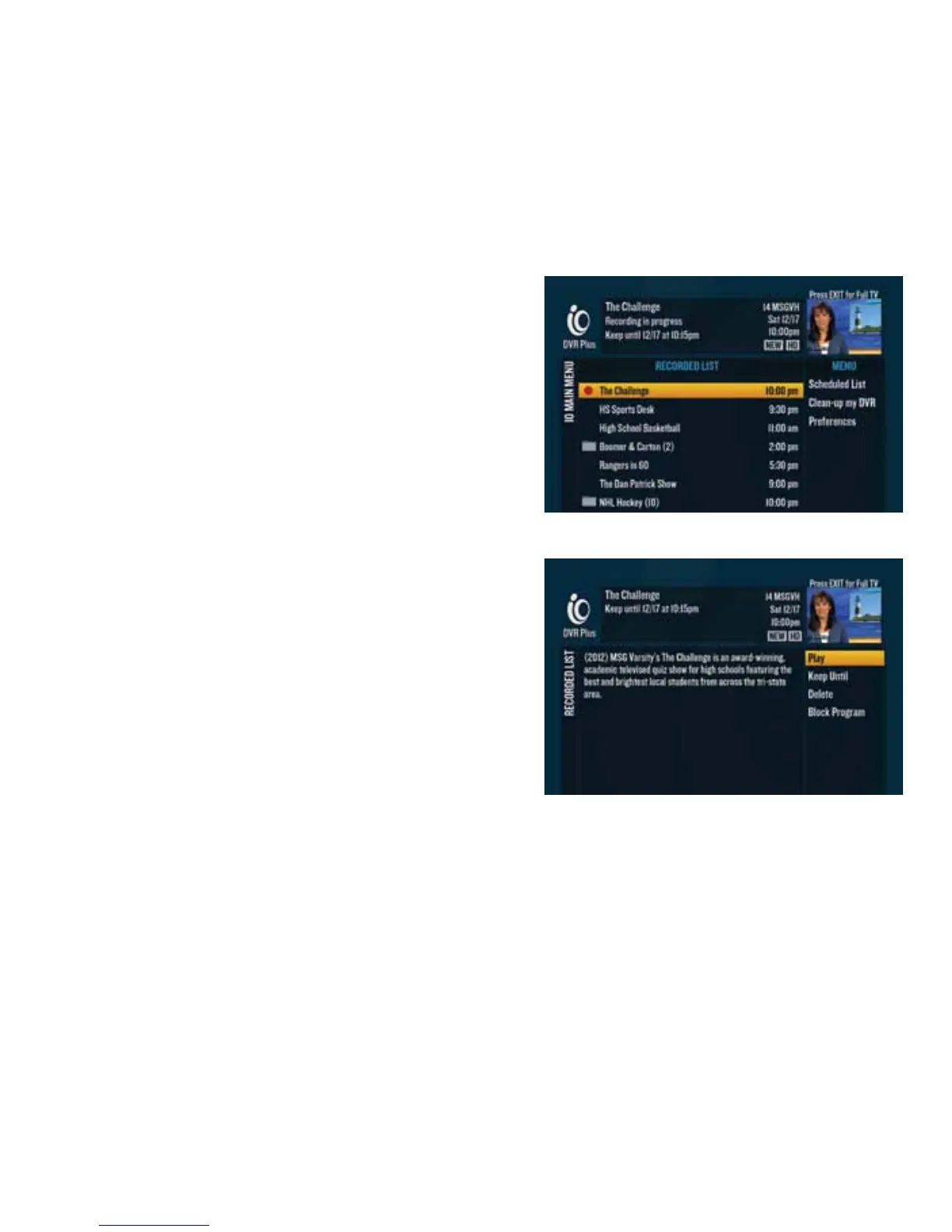
All of your recorded programs and programs that are
currently recording are in the Recorded List. To access it,
press or go to $$"d2112.
If you have a DVR digital cable box, when you press ,
you’ll get only programs recorded on that particular digital
cable box.
*d/%+(d(%(O$)<
2d Press or go to $$"d2112 to access the Recorded List.
3d Use the to highlight what you want to watch and
press
.
4d Highlight “Play” on the right-hand menu and press . to play.
*d/%+(d(%(O$)d$d$%*(d(%%#<
2d Press on the program that you’re currently watching.
3d Switch to the new TV and press or go to $$"d2112 to access the Recorded List.
4d Use the dto highlight the program you want to watch and press .
5d Highlight “Resume” on the right-hand menu and press dto play it.



 To Next Page