9
³"%!d*<
Not every program is appropriate for every audience. Block what you want using your remote.
2d Press twice to access Settings.
3d Use the to highlight “Parental Controls”.
4d From the side menu, use theddto select “Channel Blocks”, “Ratings Blocks”, “Content Blocks” or
“Time Blocks” from the menu and set your personal preferences.
For additional information on Parental Controls, visit %&*#+#<$*b&($*"%$*(%".
(($)<
If you like things your own way, you’re in luck.
Multi-Room DVR gives you the flexibility to customize
and manage your personal program library at any time
and as often as you like.
+"*d)**$)<
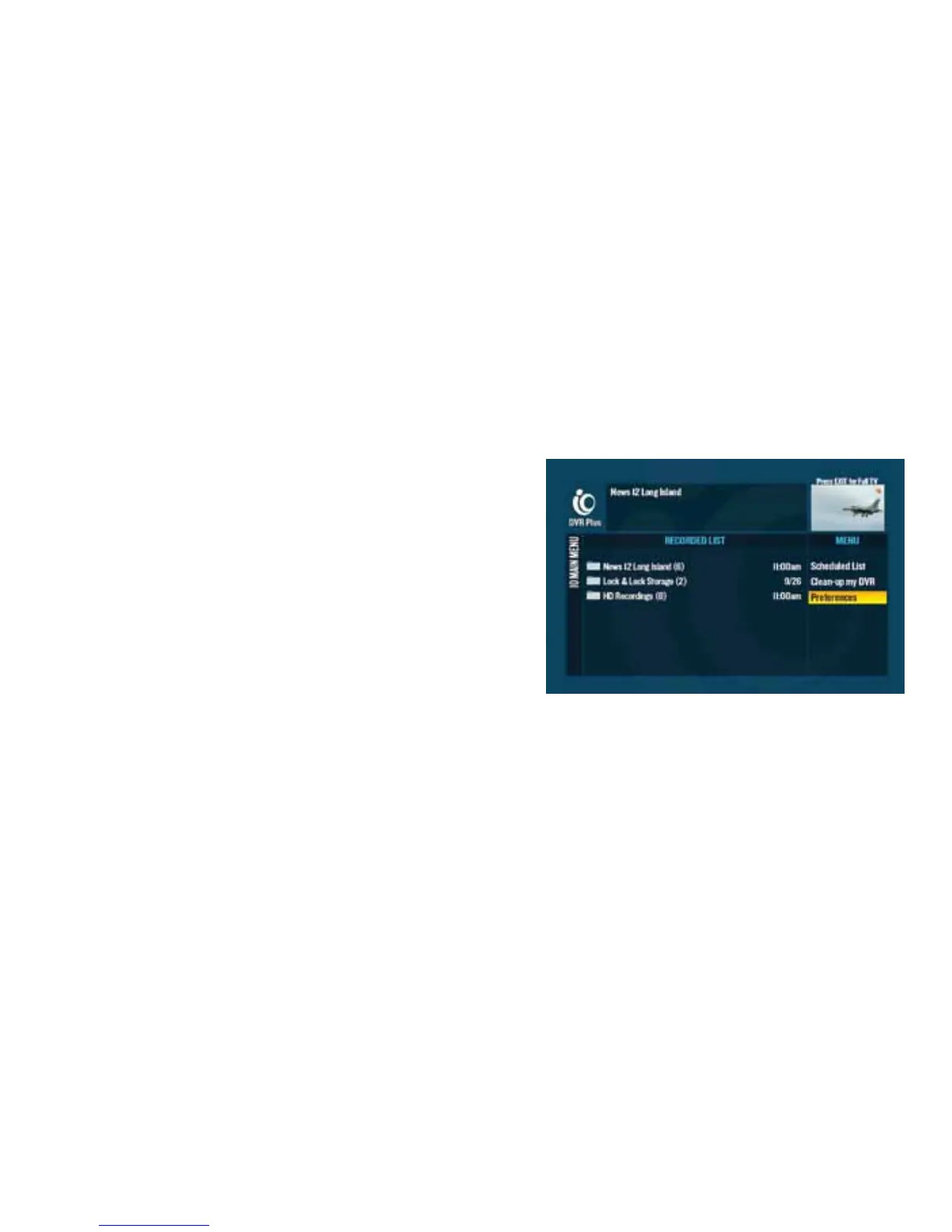
Your Multi-Room DVR comes with preset preferences that
can easily be changed. Until you do, all your recordings will
use the following:
d
“Keep” refers to managing storage space and is set for “14 days”, unless you’re recording a series. A series is
set for “Until space is needed”.
d
“Stop” refers to the stop time of a recording and is set to stop promptly at the program’s scheduled ending.
d
“Save Latest” refers to the number of episodes saved for a series recording only, and is set to “Save latest 5 episodes”.
d
“All New” refers to the type of episodes recorded for a series recording only, and is set to “All new and
repeat episodes”.



 To Next Page