8
Control.
You can control your TV in ways you never imagined, all with the push of a few buttons.
"/!d%$*(%")<d
**+)d(<
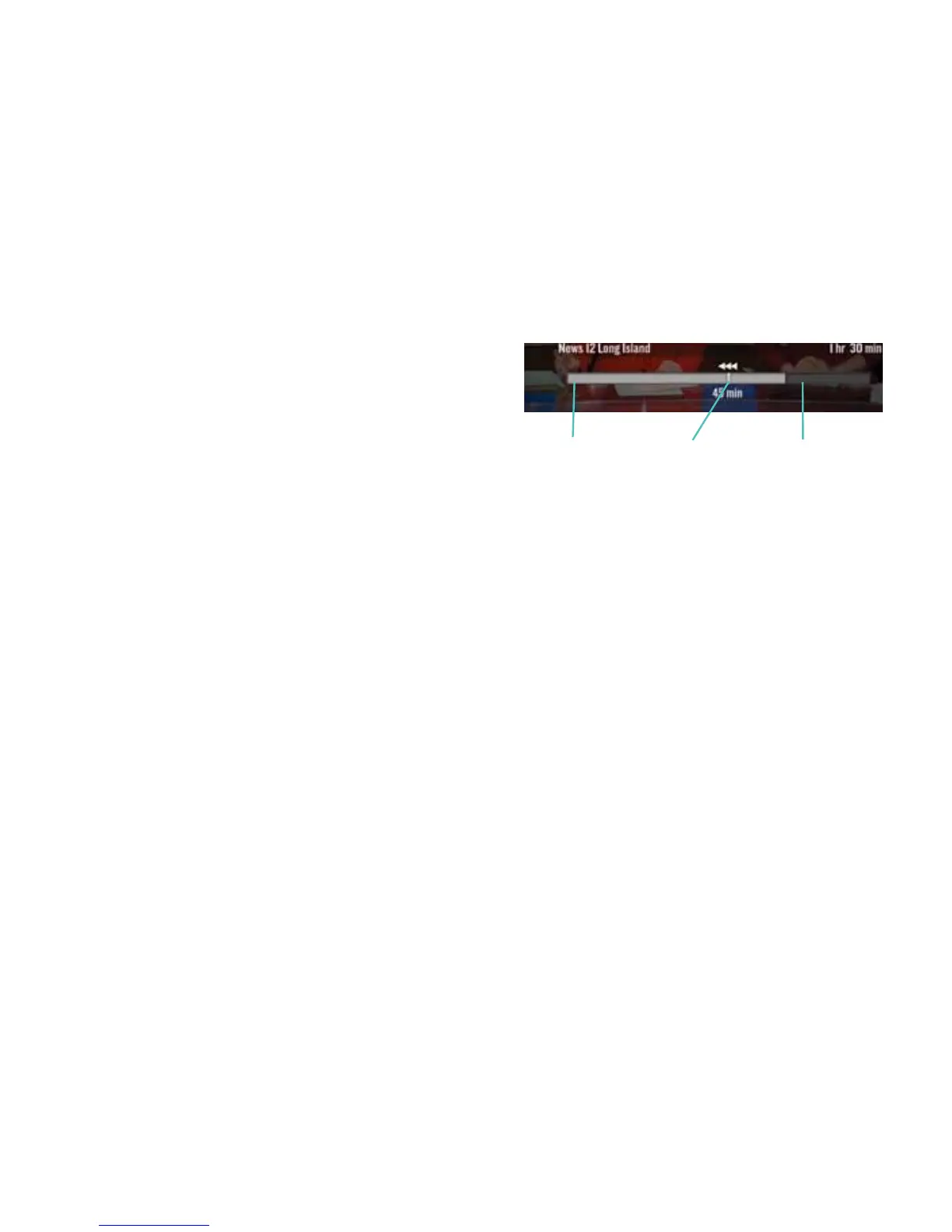
This bar appears at the bottom of the TV whenever
you pause, rewind, or fast-forward a program. It gives
you details about the progress of the program
you’re watching.
+)d",d<
When you need to pause live TV, press and the program will stay paused for up to 15 minutes.
Press I when you want your program to resume or press to record your program from where you
paused it.
)*C%(-(Od%(d(-$Odd(%(OOd&(%(#<
Full speed ahead. Or behind. It’s your choice. Press C or to move up to four
times faster than normal. The arrows on the status bar show what speed you’re rewinding or fast forwarding.
Press I to resume watching at normal speed.
The light gray
section of the
bar shows
anything
that has been
recorded.
The white
line indicates
where you
are in the
program you
are watching.
The dark gray
section of the
bar indicates
programming
not yet
recorded.



 To Next Page