6
Getting started.
Ready to start using Multi-Room DVR now? Here are easy instructions on how to record, watch and delete programs.
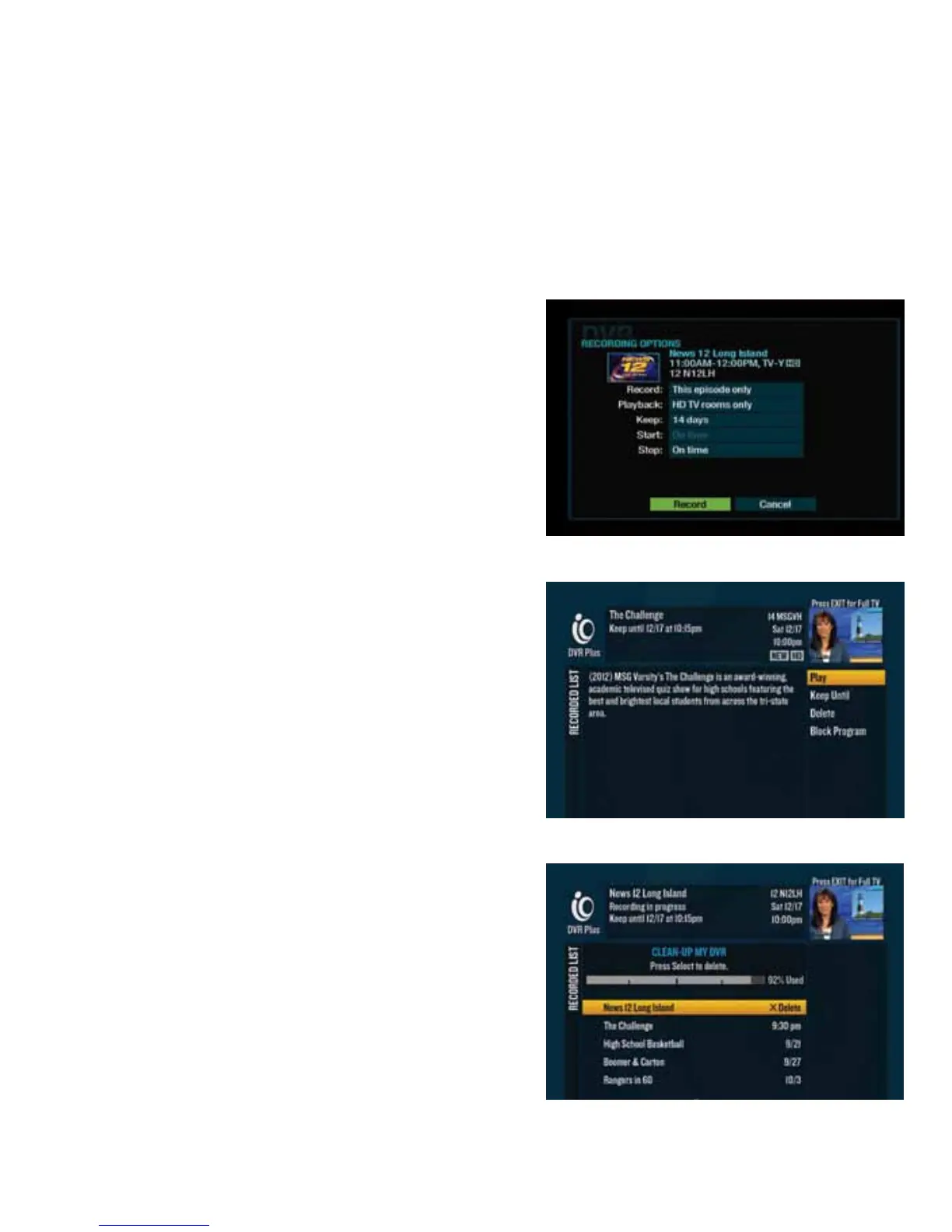
%(O$dd&(%(#<
2d When you’re watching a program you want to record,
press .
3d In Recording Options, highlight “Record” and press dd
to instantly start recording.
*dd(%(OOd&(%(#<
2d Press or go to $$"d2112 to access your
Recorded List.
If you have a DVR digital cable box, when
you press , you’ll get only programs recorded on that
particular digital cable box
.
3d Use the to highlight a program and press .
4d From the right-hand menu, highlight “Play” and press
to begin watching.
"*dd&(%(#<
2d Press or go to $$"d2112 to access your
Recorded List.
3d From the right-hand menu, highlight “Clean-up My DVR”
and pressd.
4d Use the to highlight the program that you want to
delete and press .
Once you delete a program, it will no longer be available.



 To Next Page