27
O*dd(%(O$d$d&(%())<
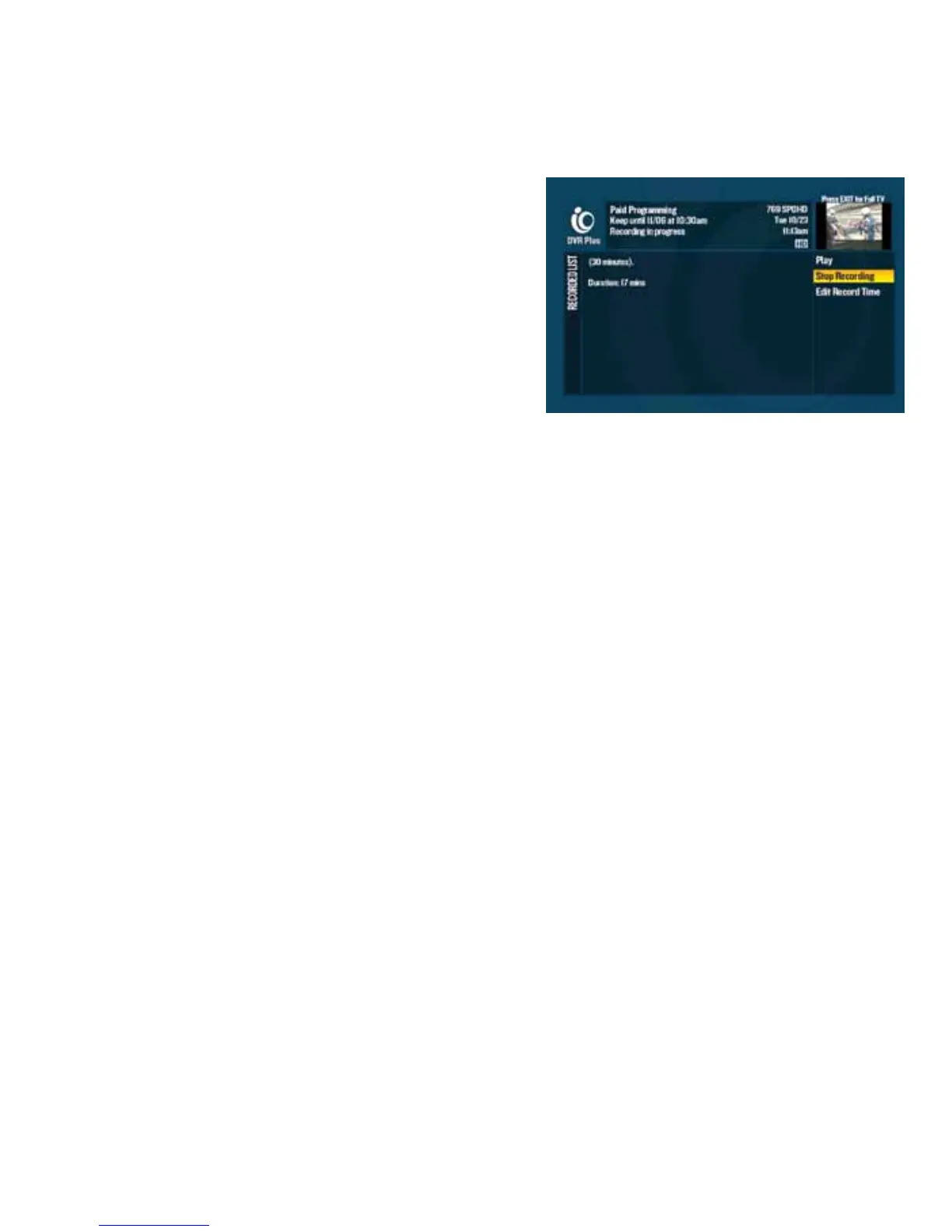
2d Press dor go to $$"d2112 to get the Recorded List.
3d Use the to select the program that is currently
recording and press .
4d A list of options will appear in the right-hand menu. Choose
“Stop Recording” or “Edit Record Time” and press .
d%"O()<
When you record two or more programs of the same name, Multi-Room DVR creates a folder and groups the
recordings together on the Recorded List. The number to the right of the folder name shows how many episodes
are in that folder.
An HD Recordings folder will always appear at the bottom of the Recorded List. On both HD and SD digital cable
boxes, the HD Recordings folder will group all HD recordings on your DVR.
If you want to disable DVR folders and display individual recordings in your Recorded List, see “Set your
preferences” on page 10.
d%$d*d%<
Your favorite show is on soon and you’re stuck in a bumper-to-bumper nightmare. Don’t panic. You can manage
your recordings anytime at optimum.net or using the Optimum App. Record shows, see scheduled recordings and
more even when you’re away from your TV.
d
Visit optimum.net and sign in with your Optimum ID and password. Select the
DVR icon on the dashboard or click on
the TV tab in the top navigation bar and then select “
DVR”.
d
Download the Optimum App for your iPad
®
, iPod touch
®
, iPhone
®
, Kindle Fire, laptop and many Android devices at
%&*#+#<$*b&&.
Whether you’re using optimum.net or the Optimum App, you’ll need an Optimum ID to access your DVR away from
home. If you don’t have one, set one up at %&*#+#<$*bO or by going to TV Channel 910.



 To Next Page