Version 1.0.4 - 2020-07-2814 Translation of original instruction
MH22V│MH22VD
EN
MH22V_MH22VD_GB_1.fm
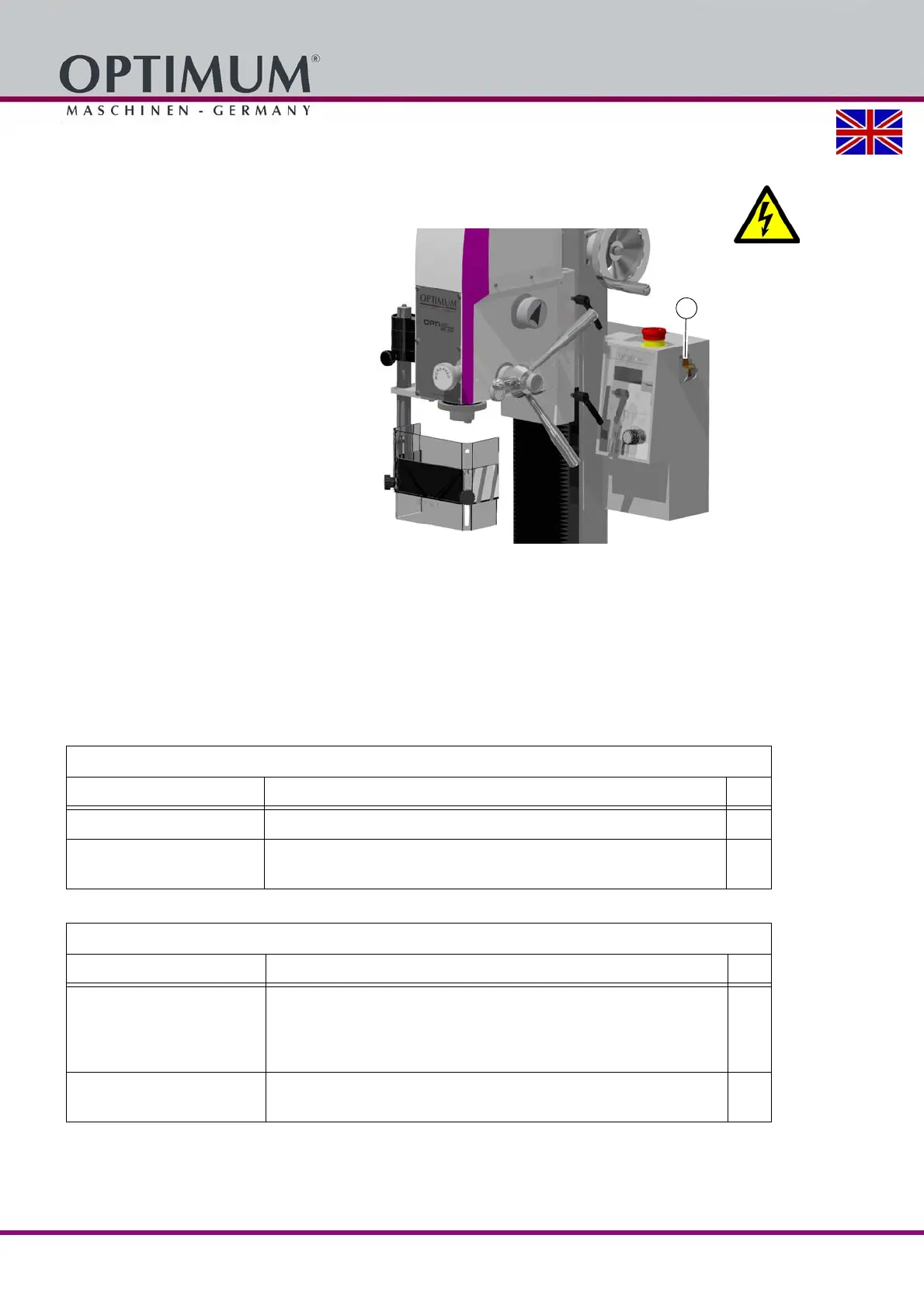
1.9.3 Main switch
WARNING!
Dangerous voltage even if the main switch is switched off.
The areas marked by the pictogram
might contain live parts, even if the main
switch is switched off.
Switch off the milling machine with the main
switch and lock it so it cannot be activated
by unauthorised personnel or switched on
by accident.
The main switch can be locked by removing
the shift lever.
All machine parts as well as all dangerous
voltages are switched off. Excepted are
only the positions which are marked with
the adjoining pictogram.
Img.1-3: Main switch
1.10 Safety check
Check the milling machine regularly.
Check all safety devices
before starting work,
once a week (with the machine in operation) and
after all maintenance and repair work.
General check
Equipment Check OK
Guards Mounted, firmly bolted and not damaged
Signs,
Markers
Installed and legible
Functional check
Equipment Check OK
Emergency stop button After the emergency stop button is pressed, the milling machine
must switch off. It must only be possible to restart the machine, if
the emergency stop button is unlocked and the ON switch has
been pressed.
Separation guard around
the drill and milling spindle
The milling machine may switch on only when the guard is
closed.















 To Next Page