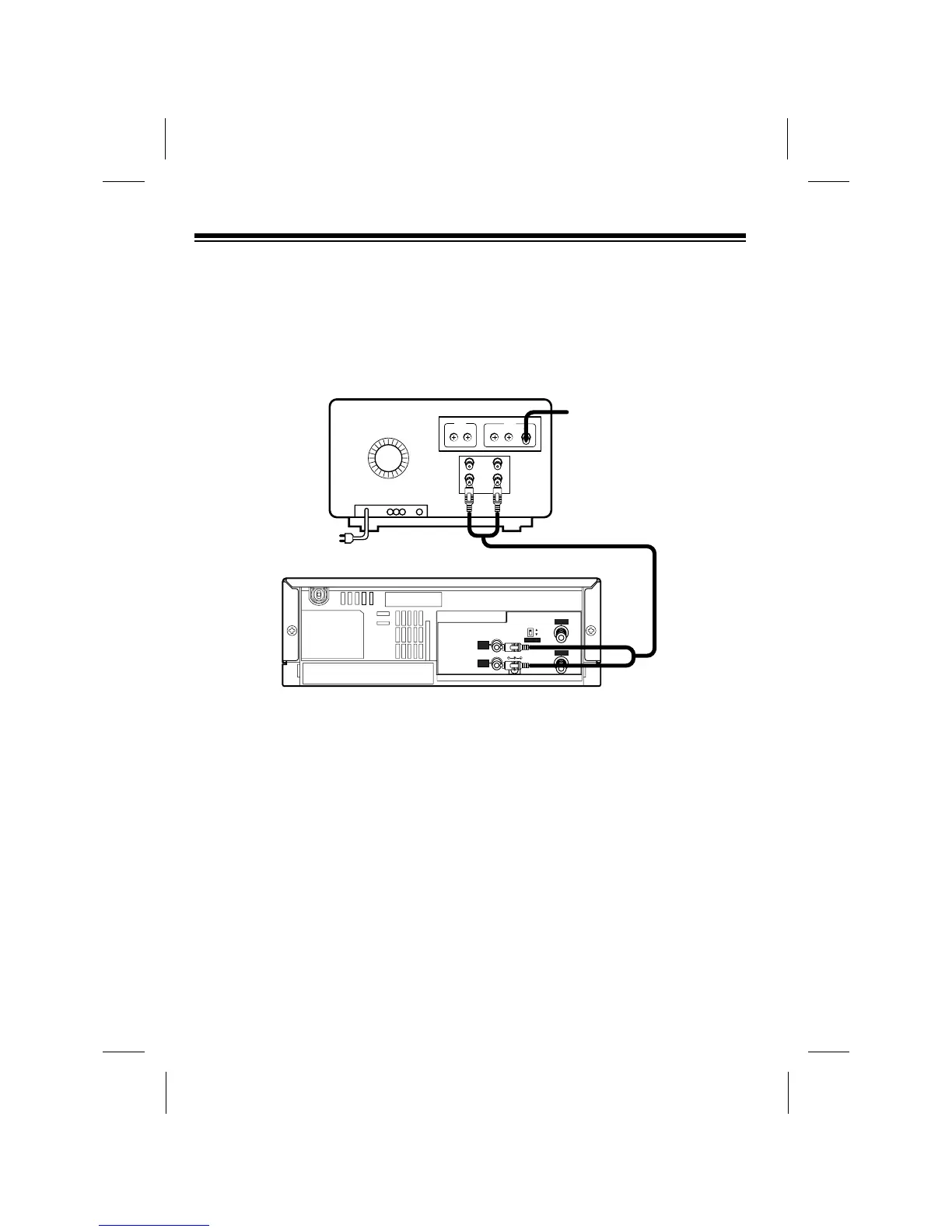
Connecting a TV Monitor
To connect your VCP to a TV monitorÕs separate audio and video input jacks, connect
the VCPÕs AUDIO and VIDEO OUT jacks to the TV monitorÕs audio and video input
jacks using video-quality shielded cable (not supplied).
Caution: You must use video-quality cable for this type of connection. Do not use
standard audio cable. Your local RadioShack store sells the proper type of cable.
10



 To Next Page