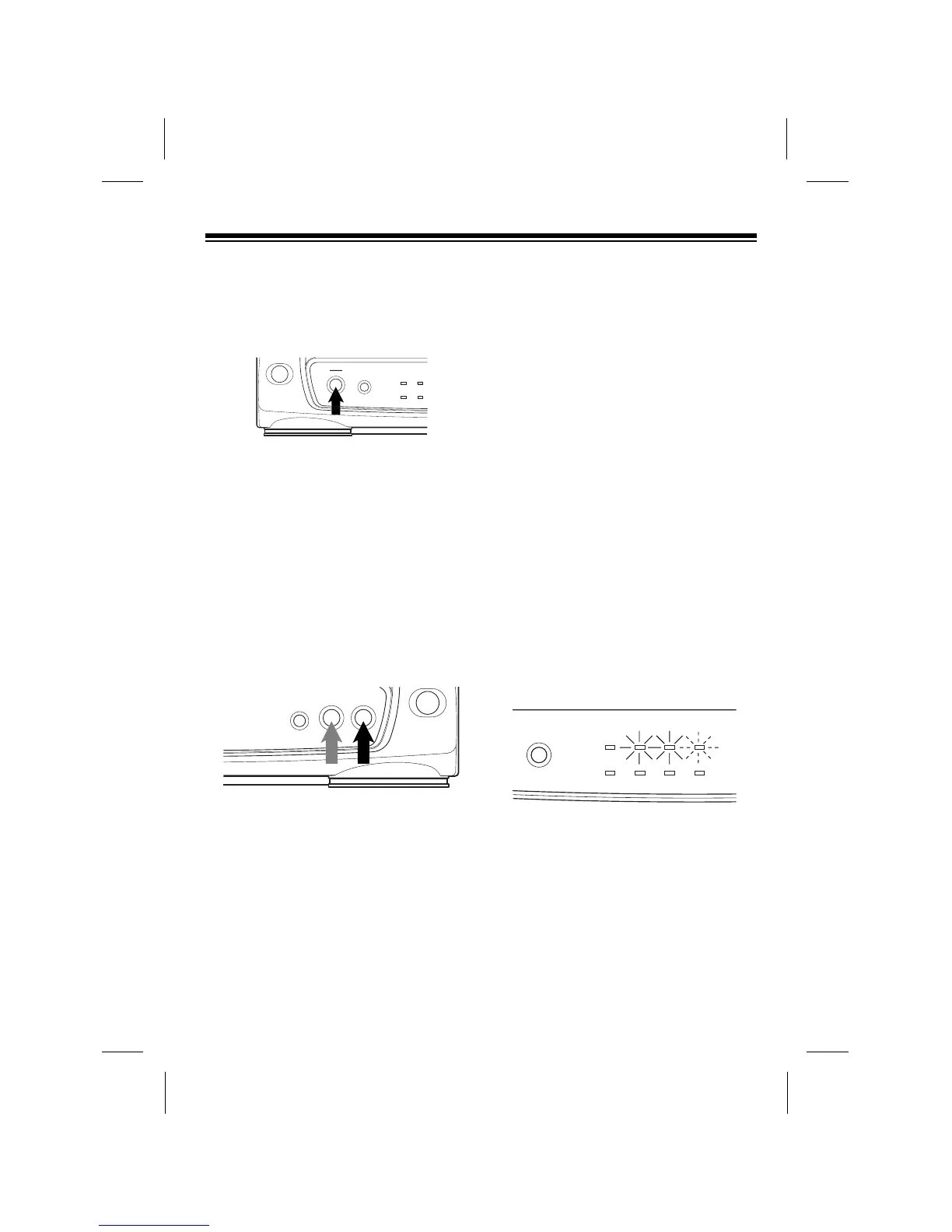
5. To eject the tape, press EJECT. The
CST.IN indicator flashes then turns
off and the VCP ejects the tape.
6. Press POWER to turn off the VCP.
The red POWER indicator turns off.
FAST-FORWARD/REWIND
To fast-forward or rewind the tape at
high speed, with the tape stopped, press
FAST-F or REWIND. The FAST-F or
REWIND indicator lights, and the tape
fast-forwards or rewinds.
No picture appears on the TV/monitor
when you fast-forward or rewind the
tape from a stopped position.
The VCP automatically stops the tape
when it reaches the end and rewinds the
tape to the beginning.
To stop the tape at any time during fast-
forwarding or rewinding, press STOP.
Or, to stop fast-forwarding and rewinding
and automatically begin play, press
PLAY. The tape stops, the PLAY
indicator lights, then the tape begins to
play.
Visual Search
Your VCP lets you view a tape at a faster
speed than normal playback to help you
find a particular section on the tape.
Visual search works in either direction.
To use visual search, press PLAY to be-
gin normal playback, then press FAST-F
to search forward or REWIND to search
backward. The PLAY indicator lights
along with the FAST-F or REWIND
indicator, and the tape begins to play
forward or backward at a high speed.
During visual search, there is no sound
and the picture quality is not as good as
during normal playback.
Press STOP to stop the tape, or PLAY to
stop visual search and resume normal
playback.
17



 To Next Page