OPERATION
USING THE REMOTE
CONTROL
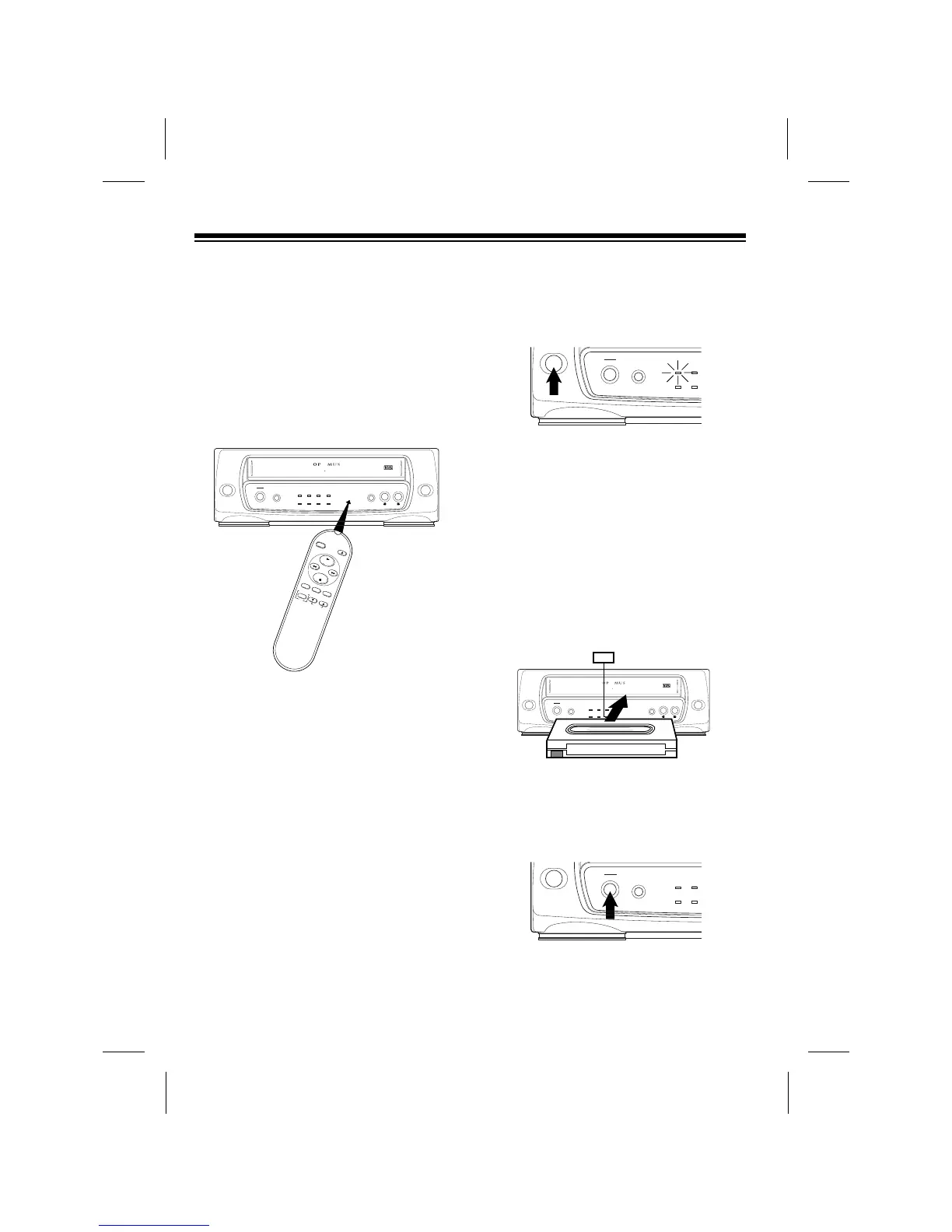
The buttons on the remote control func-
tion the same as those on the front of the
VCP. To use the remote control, be sure
the front end of it is pointing with a clear
path toward the middle of the VCPÕs front
panel, then press the desired button(s).
PLAYING A VIDEO TAPE
1. Turn on the TV or TV/monitor. If you
connected a TV using the VCPÕs
RF.OUT jack, tune the TV to the
same channel (3 or 4) to which you
set the VCPÕs CHANNEL switch. If
you connected a TV/monitor using
the VCPÕs AUDIO and VIDEO OUT
jacks, switch the TV/monitor to the
video setting.
2. Press POWER to turn on the VCP.
The red POWER indicator lights. Or,
to use the VCPÕs auto power on fea-
ture, you can skip this step.
3. To load a video cassette tape, insert
the tape halfway into the VCPÕs cas-
sette door with the main label facing
up and the spine label facing out.
Then gently push on the center of
the tapeÕs spine until the VCP pulls
the tape all the way in. The CST.IN
indicator lights, then the PLAY
indicator lights and the tape
automatically begins to play.
4. To stop the tape during play, press
STOP. The PLAY indicator turns off
and the tape stops.
To start playback again, press PLAY.
16



 To Next Page