DEW PROTECTION
SYSTEM
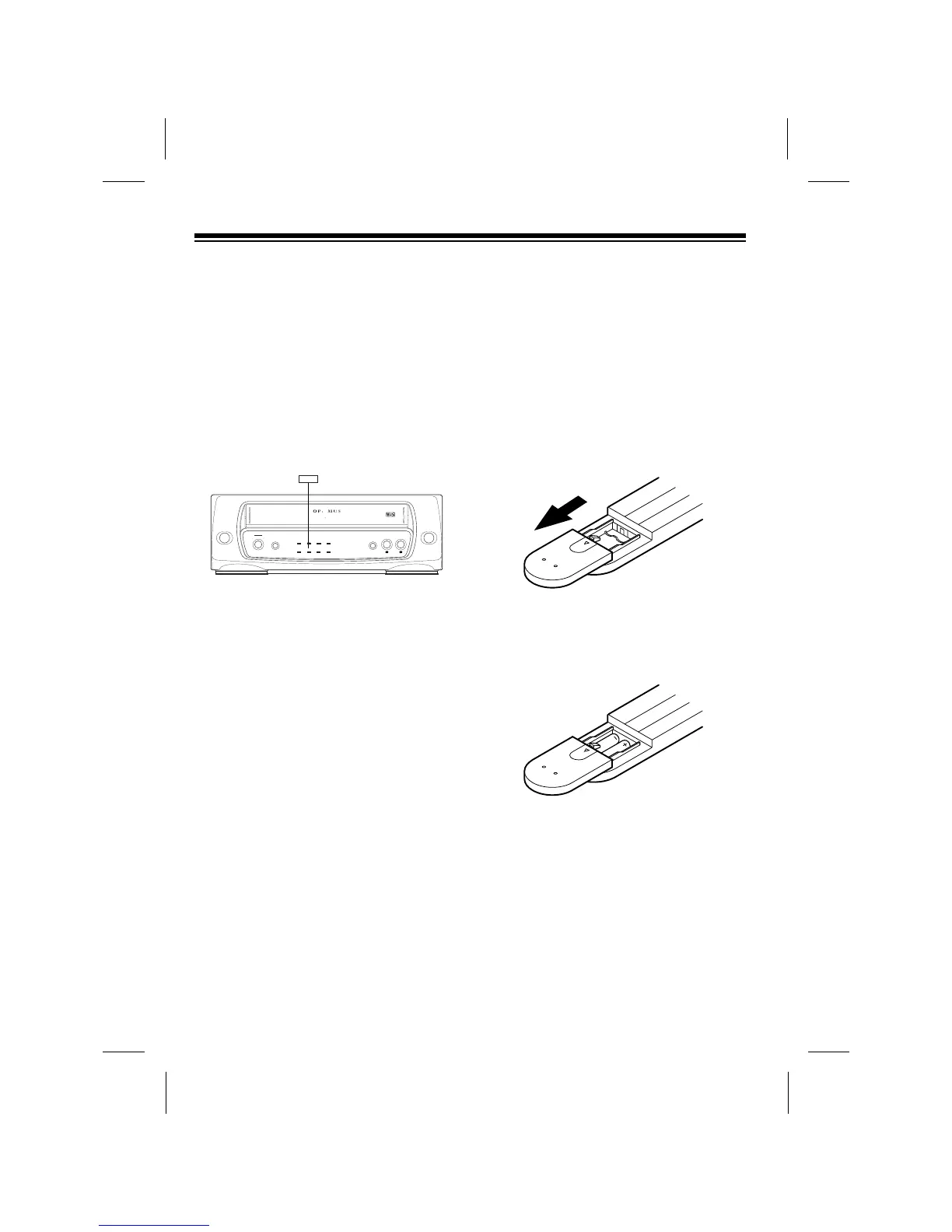
Your VCPÕs dew protection system helps
prevent damage caused by moisture that
can form on the VCPÕs tape heads.
When the system senses moisture on
the tape head(s), the DEW indicator
turns on and the VCP does not let you
play a tape.
Caution: To avoid damaging the VCP
mechanism, do not try to load a tape
while the DEW indicator is on.
If DEW indicator turns on, disconnect the
VCPÕs power for about 2 hours, then
plug it back in. If the DEW indicator does
not light, you can proceed with normal
operation. If the DEW indicator turns on
again, try unplugging the VCP for
another 2 hours, or take it to your local
RadioShack store for assistance.
INSTALLING THE REMOTE
CONTROLÕS BATTERIES
The remote control requires two AAA
batteries (not supplied) for power. For the
best performance and longest battery life,
we recommend alkaline batteries, such
as RadioShack Cat. No. 23-558.
1. Remove the battery compartment
cover, by sliding it in the direction of
the arrow.
2. Place the batteries in the compart-
ment as indicated by the polarity
symbols (+ and Ð) marked inside the
compartment.
Cautions:
¥ Use only fresh batteries of the
required size and type.
¥ Do not mix old and new batteries,
different types of batteries (stan-
dard, alkaline, or rechargeable),
or rechargeable batteries of differ-
ent capacities.
14



 To Next Page