Note:
¥ Tapes recorded at the EP (extended
play) speed provide the best picture
during visual search.
FREEZE-FRAME
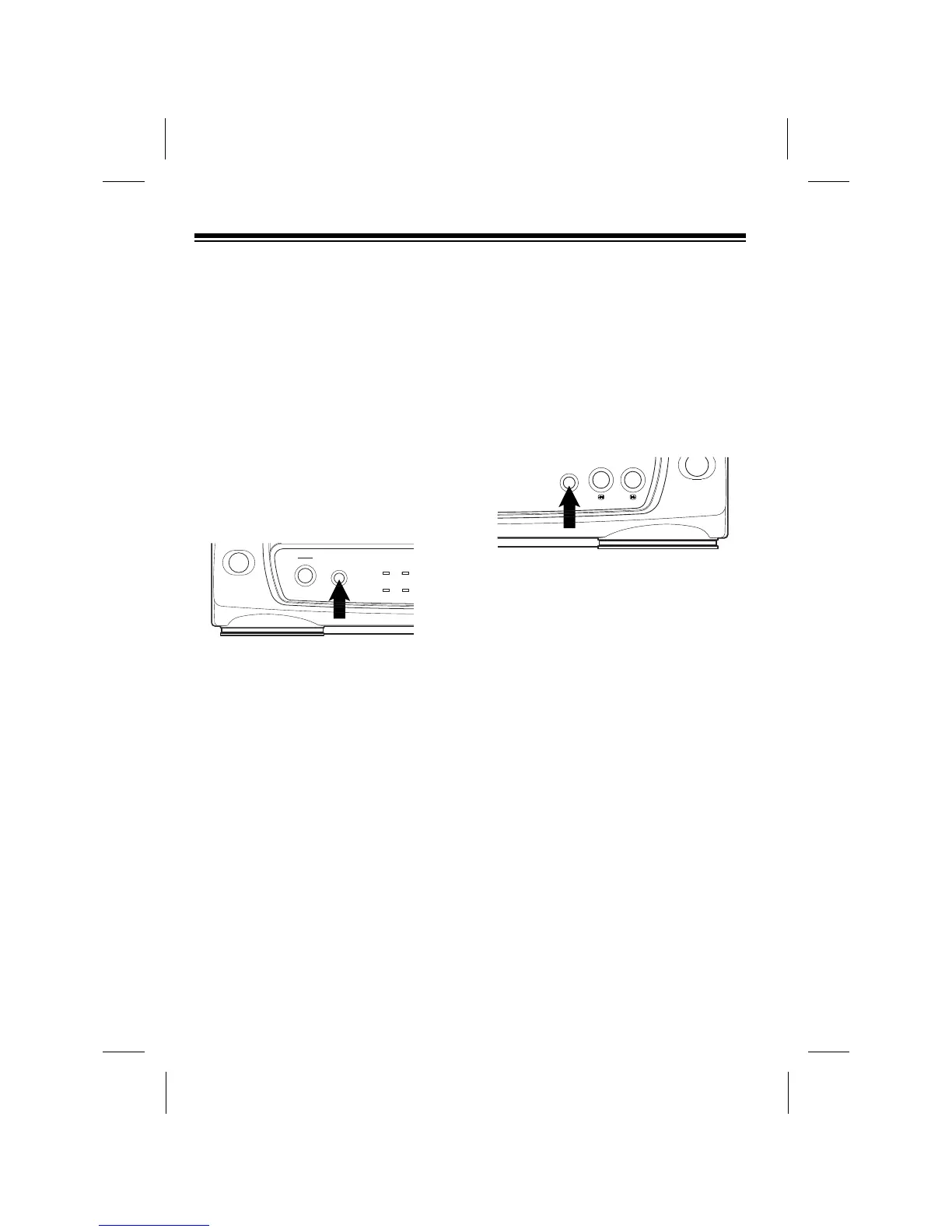
The VCP lets you stop (ÒfreezeÓ) the tape
to view a single frame. To use freeze-
frame, during normal play, press STILL.
During freeze-frame, there is no sound
and the picture quality is not as good as
during normal playback.
After about 5 minutes, the VCP automat-
ically stops. To stop the tape sooner,
press STOP. To resume normal play-
back, press PLAY.
Note: Tapes recorded at the EP speed
provide the best picture during freeze-
frame.
AUTO REPEAT
PLAYBACK
You can set the VCP to continuously
play, rewind, then repeat a tape. To set
the VCP for auto repeat playback, before
or during normal playback, press
A-REPEAT so the A-REPEAT indicator
lights.
The tape automatically rewinds when it
reaches the end, then begins to play
again.
To end auto-repeat, press A-REPEAT
so the A-REPEAT indicator turns off.
ADJUSTING TRACKING
When tape playback begins on your
VCP, its built-in tracking control
automatically aligns the playback heads
to the recorded track.
18



 To Next Page