EDFA optical amplifier – user manual
22
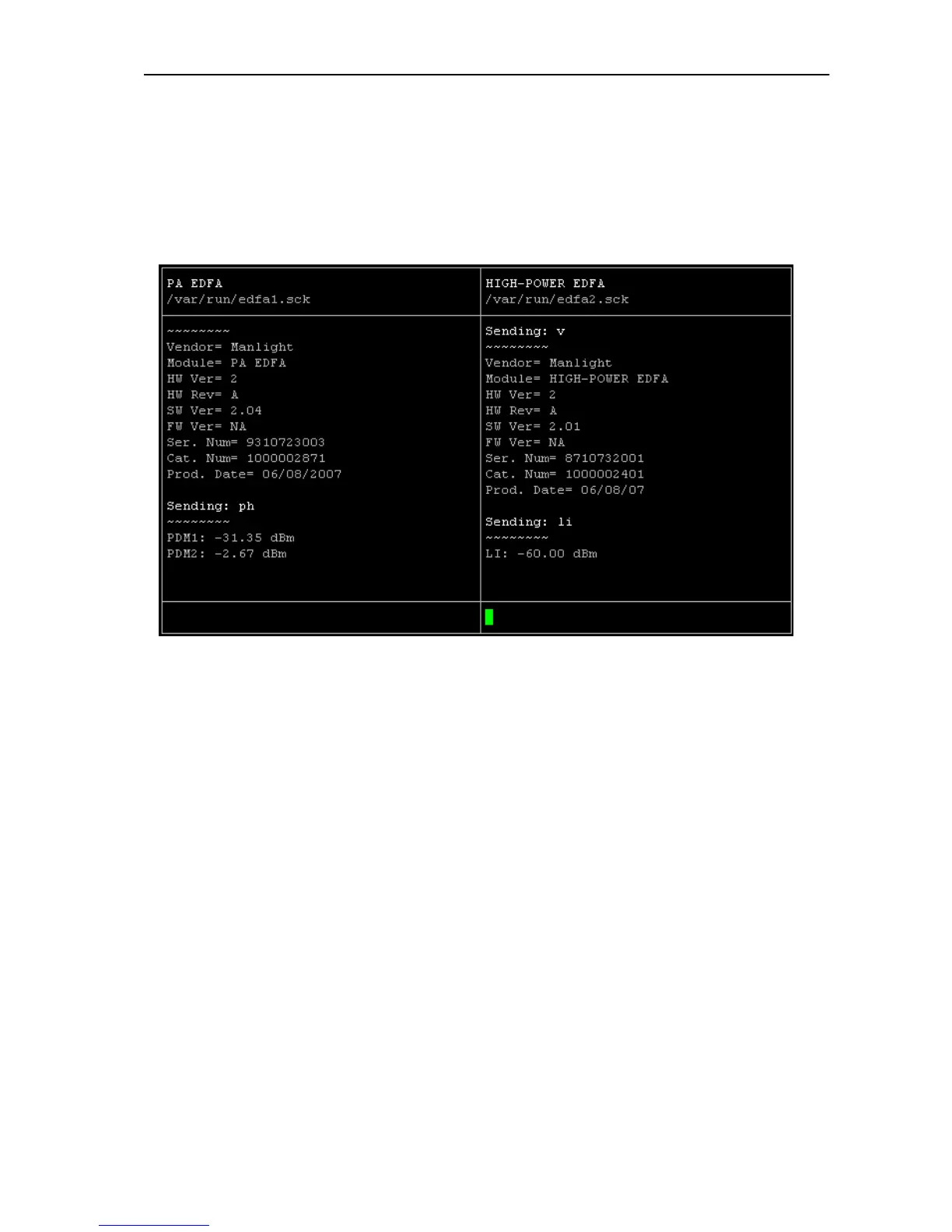
Point 1 CLA report script:
CLA report is an application to display the main parameters of all EDFA units
in the CLA device. This is the best tool for first monitoring of actual CLA status.
Point 2 Run EDFA interactive command line:
Run terminal for configuration of the EDFA unit. The detailed commands for
configuration of the EDFA unit are placed in chapter 11.
Point 3 FIREWALL:
This choose allows enable or disable firewall system.
Point 4 Quit:
Exit from administrative console



 To Next Page