EDFA optical amplifier – user manual
24
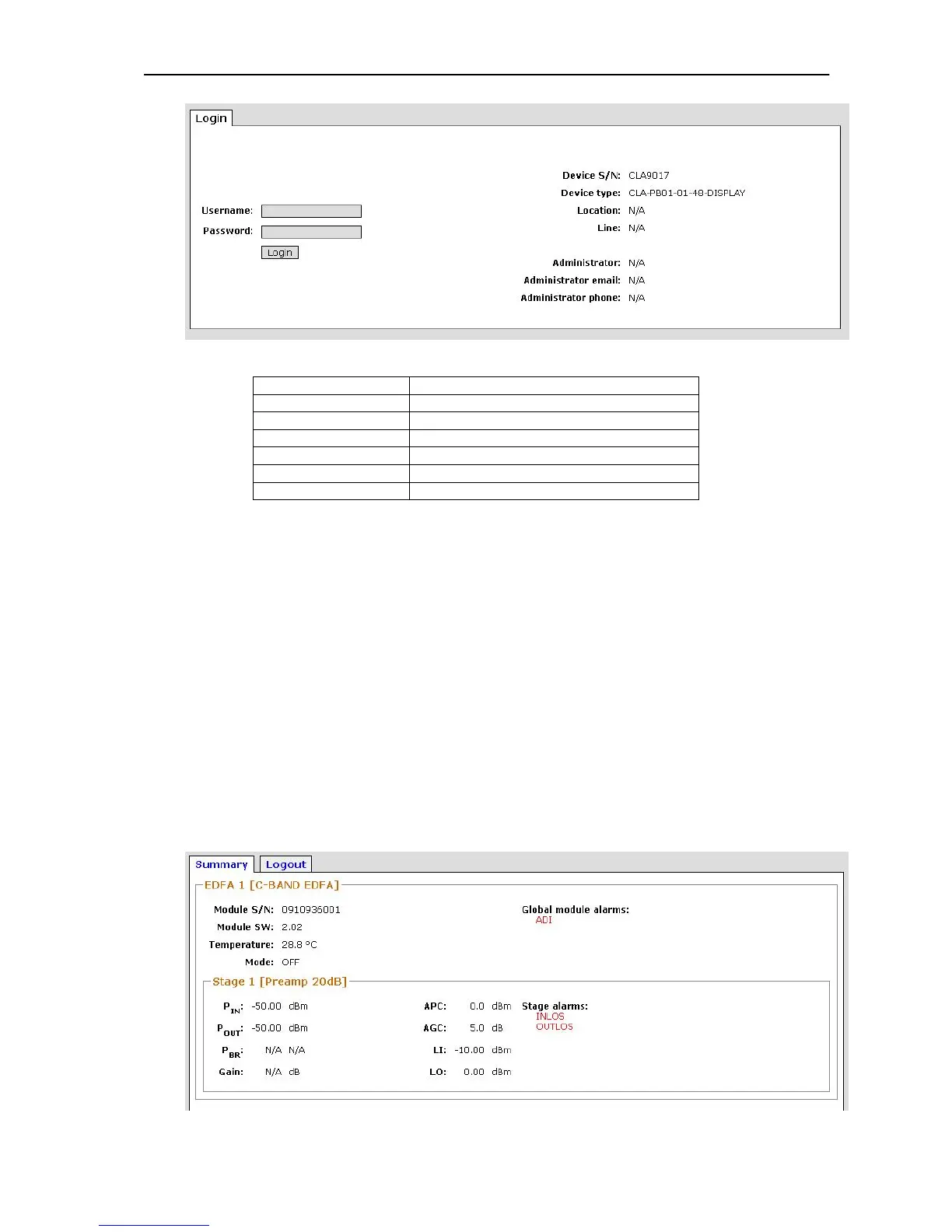
Picture 1 - Login to the CLA
Device S/N
Serial number of the CLA
Device type
Type of the CLA
Location
Location or Placing to the CLA (e.g. City)
Line
Name of optical trace
Administrator
Administrator name
Administrator email
Email to Administrator
Administrator phone
Phone to Administrator
Table 1 - Login to the CLA
These basic parameters are changeable by web interface (chapter 9.10
System)
10.3 Summary
This component part is available by admin and user account.
The summary component part contains basic status of optical amplifier. This
component part enable READ basic parameters only.
EDFA unit parameters – SN, Pin, Pou, Temperatures, ALARMS
System information – CLA SN, Type, etc.
Device parameters – Voltage, Fan speed
Network settings
Firewall settings
Summary EDFA parameters
Picture 2 - Summary EDFA parameters



 To Next Page