EDFA optical amplifier – user manual
40
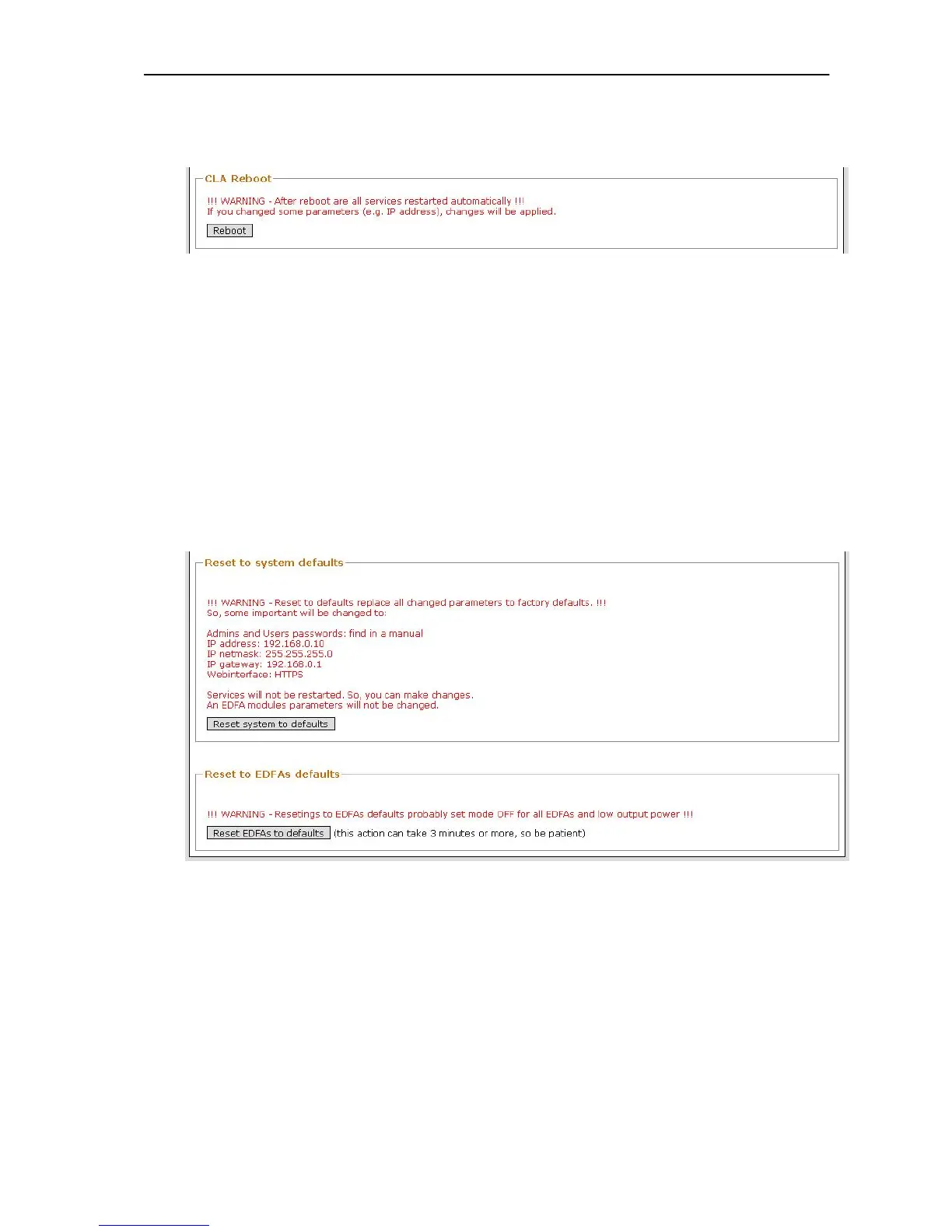
CLA Reboot
Reboot service provides restart of PC motherboard.
Picture 25 - Restore - CLA reboot
NOTICE: this procedure can take about 3 minutes.
WARNING: If you changed some parameters (e.g. IP address or Firewall etc),
your changes will be applied after restart.
Load default settings and restart
This procedure can be separate to two groups:
Load default settings of the DEVICE and restart
o EDFA unit settings will not be changed.
Load default settings of the EDFA unit and restart
o DEVICE settings will not be changed.
Picture 26 - Restore - System and EDFA defaults
NOTICE: Each restart procedure can take about 3 minutes. Same as CLA
reboot.
WARNING: Resetting to default setting probably set EDFA unit to OFF mode!



 To Next Page