Delta Elec. Inc. ES520 & EX530 ver.02
Company Confidential Optoma___________________ Delta________________
76
2008/09/17
5-4.
Starting and Shutting down the Projector
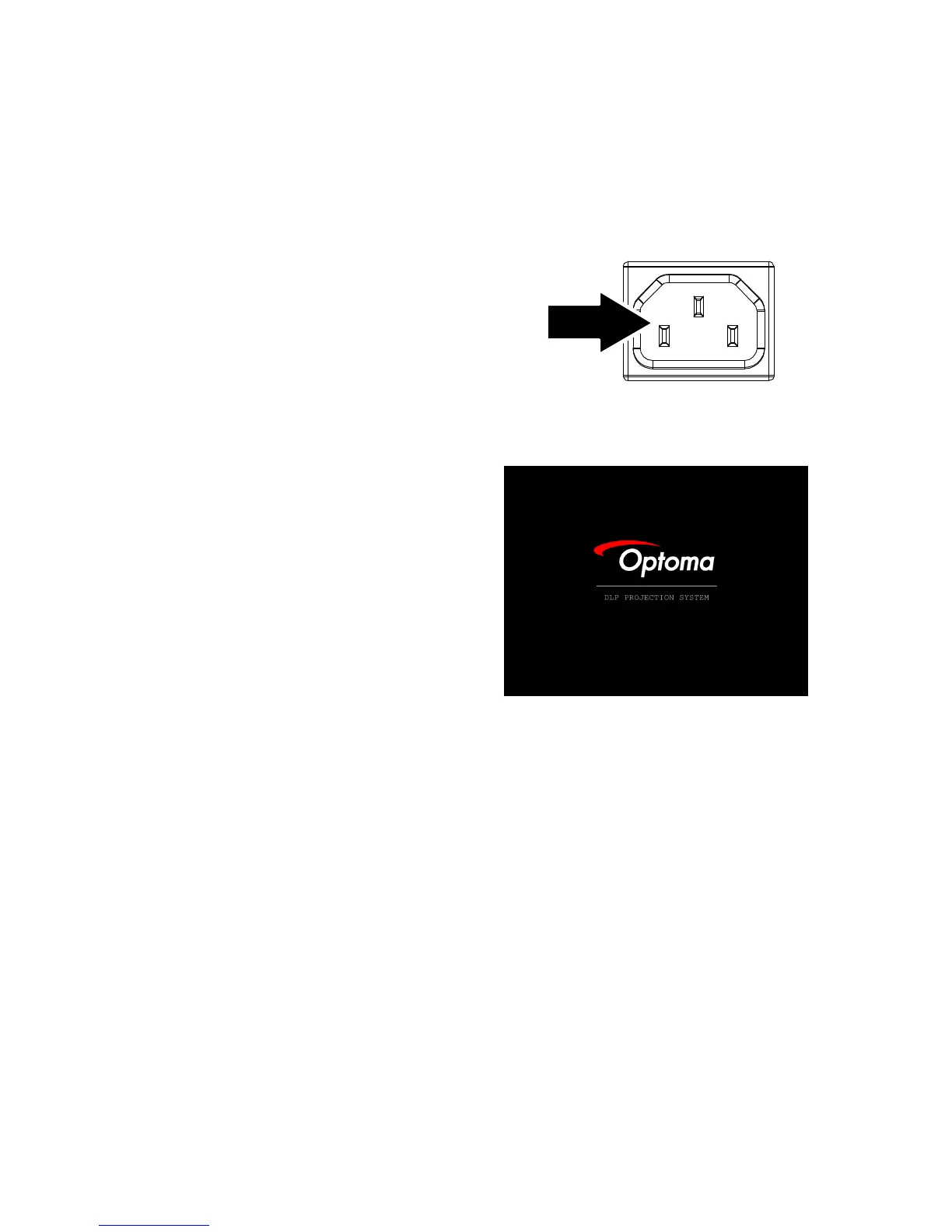
1.
Ensure the Power LED is steady
(flashing) and then press the Power
button to turn On the projector.
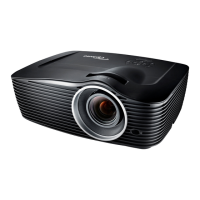
The projector splash screen displays
and connected devices are detected.
If the connected device is a PC, press
the appropriate keys on the computer
keyboard to switch the display output
to the projector. (Check the user
manual of the PC to determine the
appropriate Fn key combination to
change display output.)



 To Next Page