Delta Elec. Inc. ES520 & EX530 ver.02
Company Confidential Optoma___________________ Delta________________
93
2008/09/17
8-2. Ceiling Installation
To prevent damage to your projector please use the recommended mounting package
for installation.
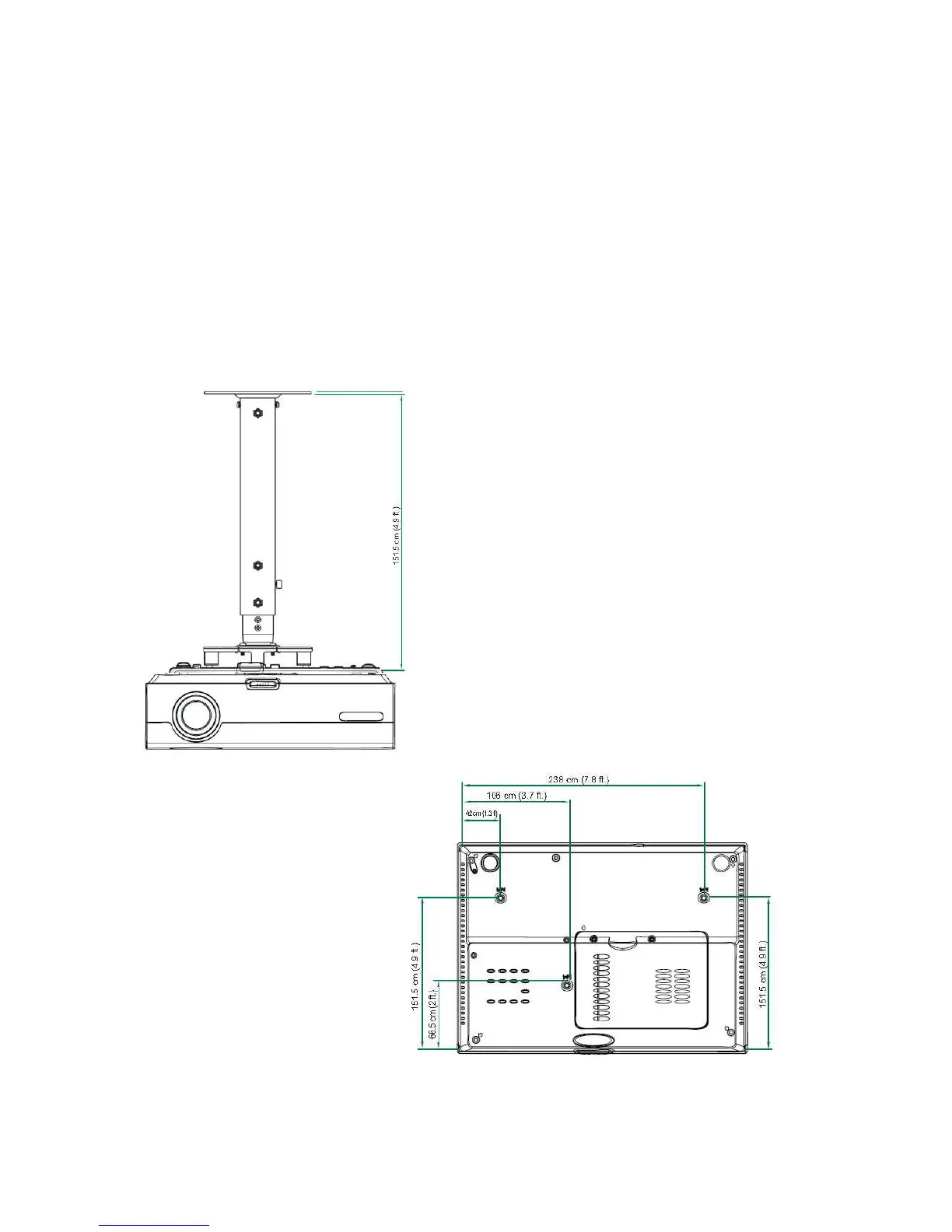
If you intend to use a third party ceiling mount, ensure that the screws meet the
following specifications:
1.Screw Type: M4
2.Maximum screw length: 10 mm
3. Minimum screw length: 7.5 mm
Refer to the following diagram to ceiling mount the projector.



 To Next Page