Delta Elec. Inc. ES520 & EX530 ver.02
Company Confidential Optoma___________________ Delta________________
82
2008/09/17
5-7.
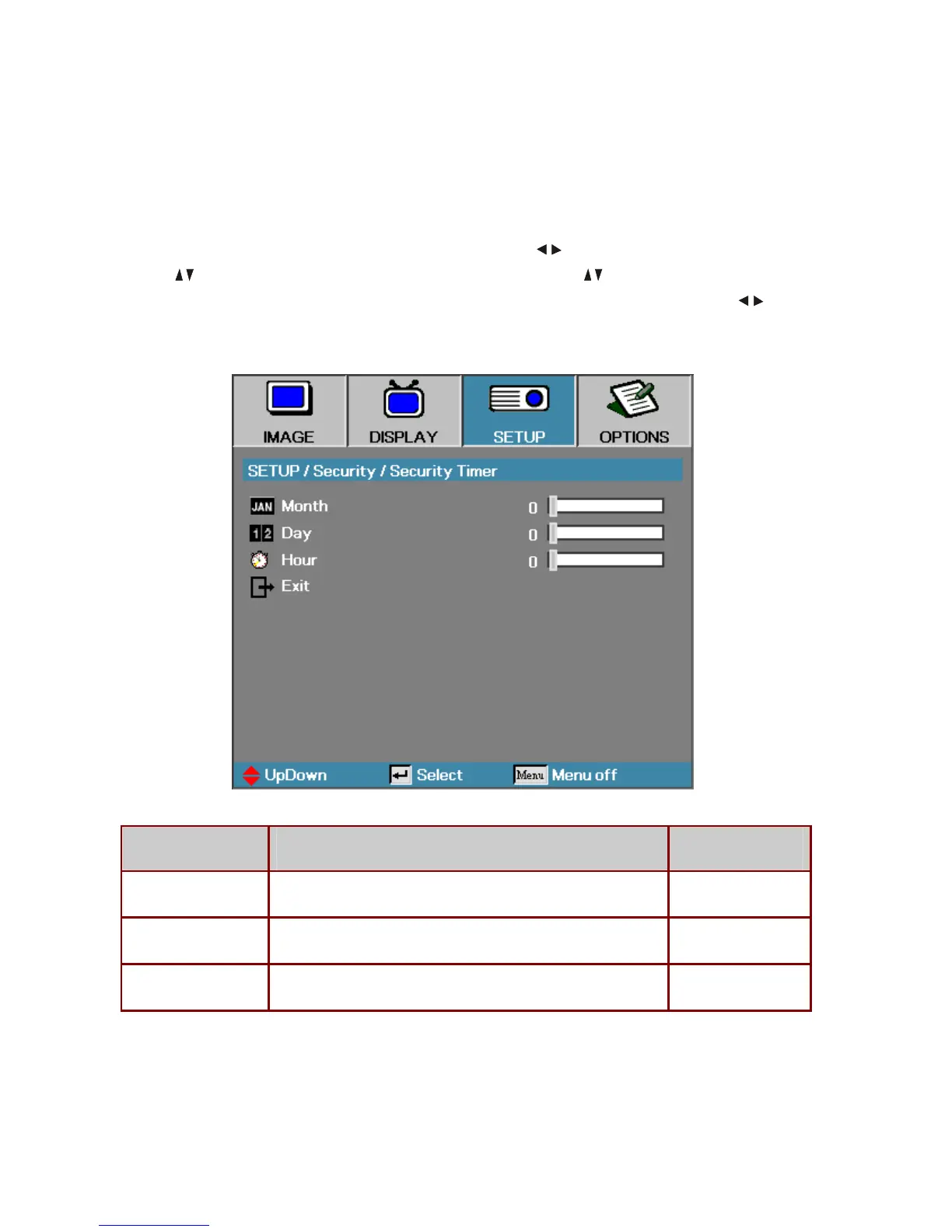
Security Timer
Press the
Menu
button to open the OSD menu. Press to move to the
SETUP
menu.
Press to move up and down and select
Security
. Press to move up and down and
select
Security Timer
. Press
Enter
to open the
Security Timer
submenu. Press to
change values for settings, and then press
Enter
to confirm the new setting.
I
TEM
D
ESCRIPTION
D
EFAULT
Month Set the number of months the projector can be used. 0
Day Set the number of days for the projector to be active. 0
Hour Set the number of hours for the projector to be active. 0



 To Next Page