Delta Elec. Inc. ES520 & EX530 ver.02
Company Confidential Optoma___________________ Delta________________
80
2008/09/17
5.
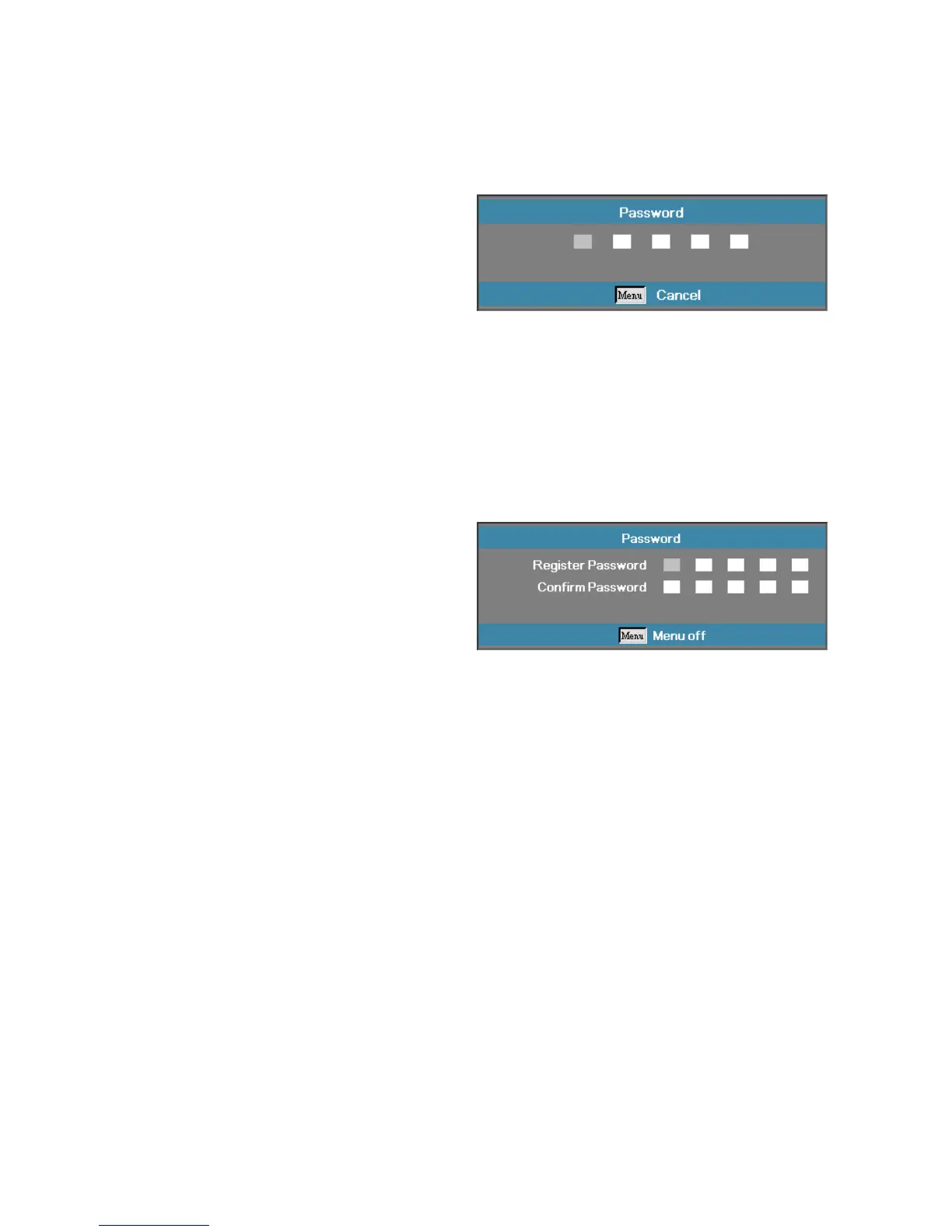
When the security setting is
Enabled
, you are prompted to
enter a password soon after the
projector is powered on.
Note:
If the incorrect password is
entered three times the projector
auto shutdowns down after 10
seconds.
The default password is: <1>
<2> <3> <4> <5>.
To change a password, enter the
previous password when prompted.
Use the following keys <1>, <2>,
<3>, <4>, <5>, <6>, <7>, <8>, <9>
to define a new password.


 To Next Page
 Loading...