Condential
5-7
EX556/ES556/EW556/ES555/EX555
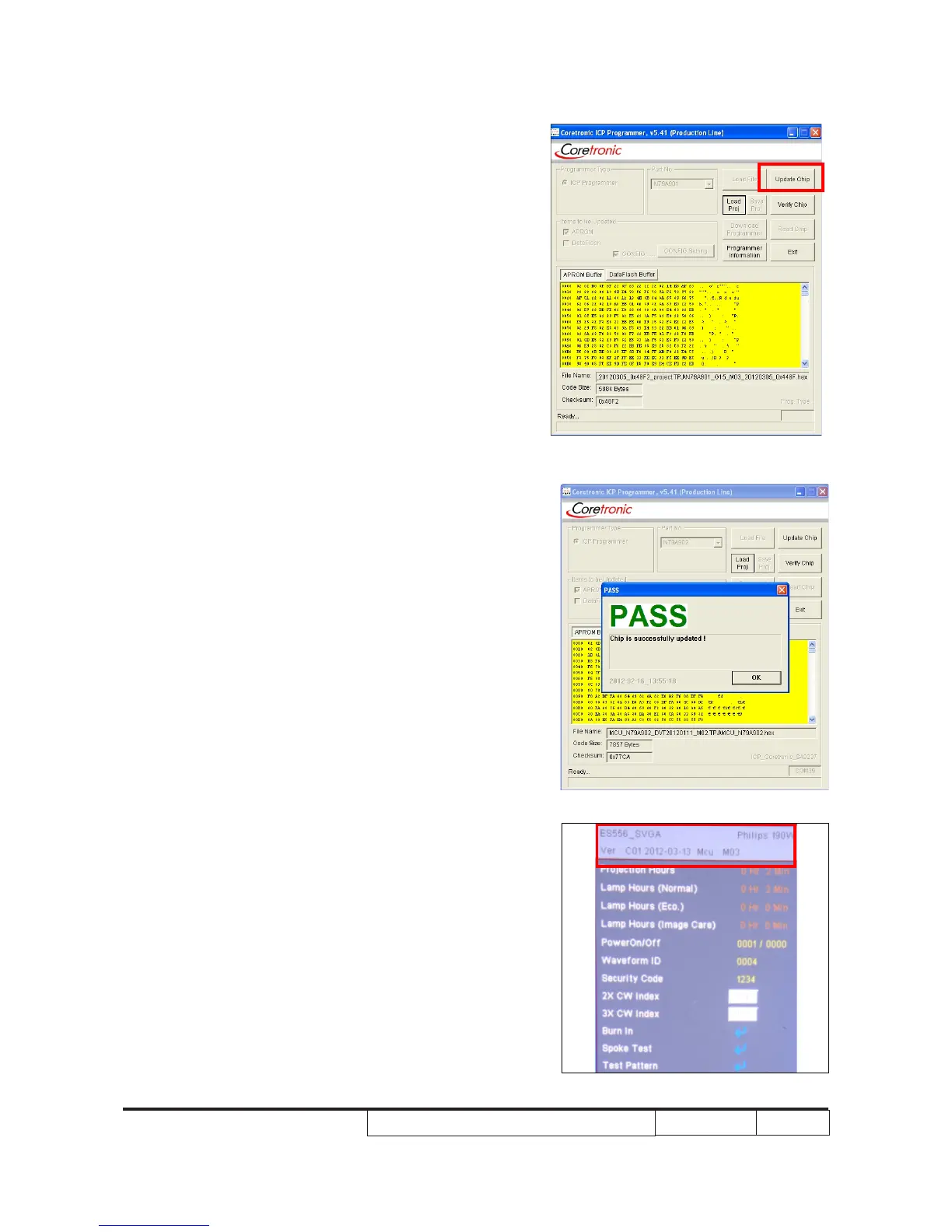
4. Click “ Update Chip” to upgrade the 8051
rmware.
5. Finish
- When 8051 FW upgrade process is
nished, "PASS" will be shown.
6. Re-plug in power cord and Power on the
projector. Get into the service mode to
check the 8051 rmware version.



 To Next Page