Installation
14
Warning Indicator
When the “LAMP” indicator lights solid red, the projector
will automatically shut itself down. Please contact your local
reseller or service center. See page 42.
When the “TEMP” indicator lights solid red, it indicates the
projector has overheated. The projector will automatically
shut itself down.
Under normal conditions, the projector can be switched on
again after it has cooled down. If the problem persists, you
should contact your local dealer or our service center. See
page 42.
When the “TEMP” indicator flashes red, it indicates the fan
has failed. Please contact your local dealer or our service
center. See page 42.
Powering Off the Projector
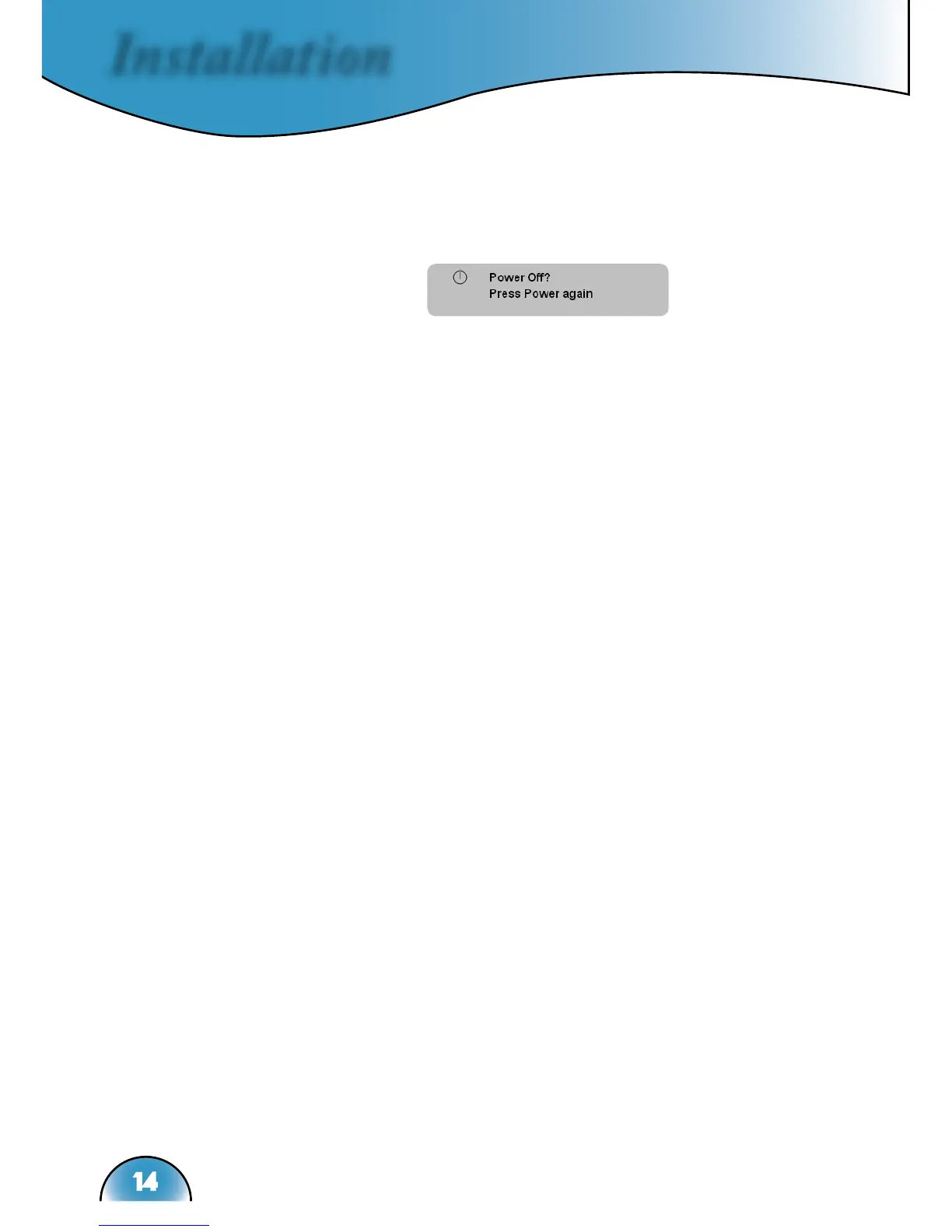
1. Press the “Standby/On” button to turn off the projector
lamp, you will see a message displayed on the
projector’s screen.
Press the “Standby/On” button again to confirm, otherwise
the message will disappear after 5 seconds.
2. The cooling fans continue to operate for about 30 seconds
for cooling cycle and the Power LED will turn green. When
the Power LED begins flashing, the projector has entered
standby mode.
If you wish to turn the projector back on, you must wait
until the projector has completed the cooling cycle and has
entered standby mode. Once in standby mode, simply press
“Standby/On” button to restart the projector.
3. Disconnect the power cord from the electrical outlet and the
projector.
4. Do not turn on the projector immediately following a power
off procedure.



 To Next Page