Usage Notice
English
5
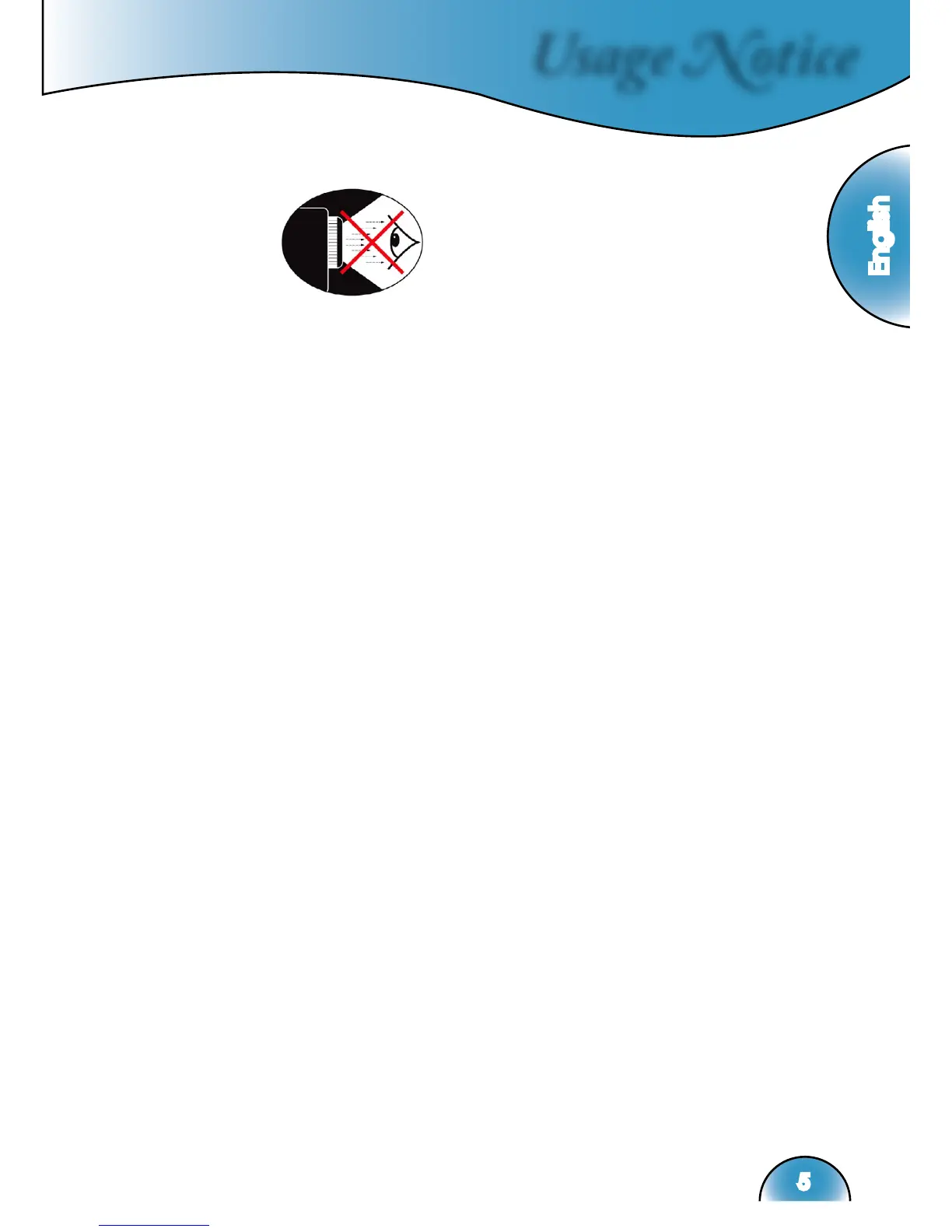
Eye Safety Warnings
▀■ Avoid staring directly into the projector beam at all times.
▀■ Minimize standing facing into the beam. Keep your back to
the beam as much as possible.
▀■ A stick or laser pointer is recommended to avoid the need for
the user to enter the beam.
▀■ Ensure that projectors are located out of the line of sight from
the screen to the audience; this ensures that, when presenters
look at the audience, they do not also have to stare at the pro-
jector lamp. The best way to achieve this is by ceiling-mount-
ing rather than floor or table-mounting the projector.
▀■ When projector is used in a classroom, adequately supervise
students when they are asked to point out something on the
screen.
▀■ In order to minimize the lamp power needed, use room blinds
to reduce ambient light levels.



 To Next Page