User Controls
22
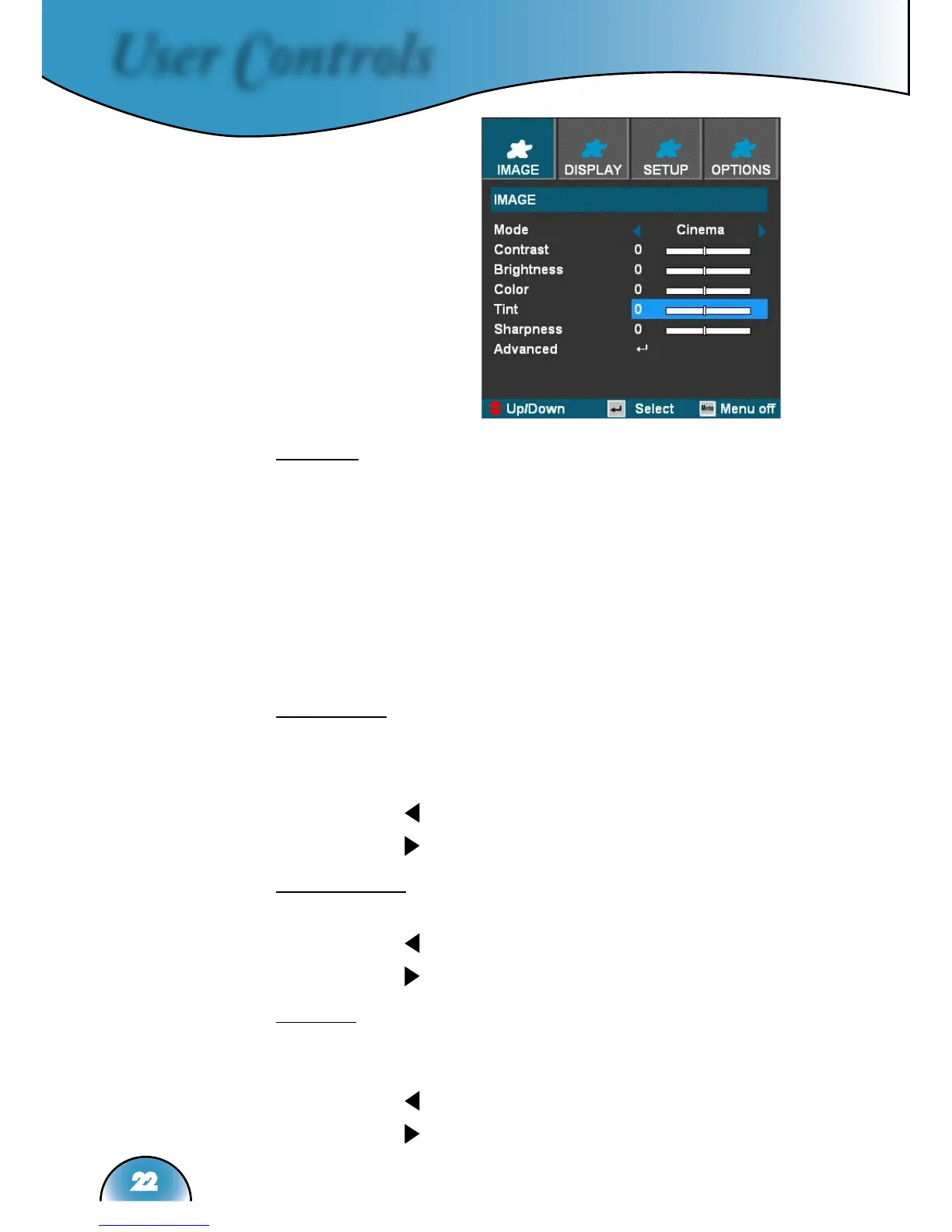
Image
Mode
There are many factory presets optimized for various types of
images.
Cinema: For home theater.
Bright
TV
sRGB: For standard color.
User: Memorize user’s settings.
Contrast
The contrast controls the degree of difference between the lightest
and darkest parts of the picture. Adjusting the contrast changes
the amount of black and white in the image.
Press the to decrease the contrast.
Press the to increase the contrast.
Brightness
Adjust the brightness of the image.
Press the to darken image.
Press the to lighten the image.
Color
Adjusts a video image from black and white to fully saturated
color.
Press the to decrease the amount of color in the image.
Press the to increase the amount of color in the image.



 To Next Page