Appendices
38
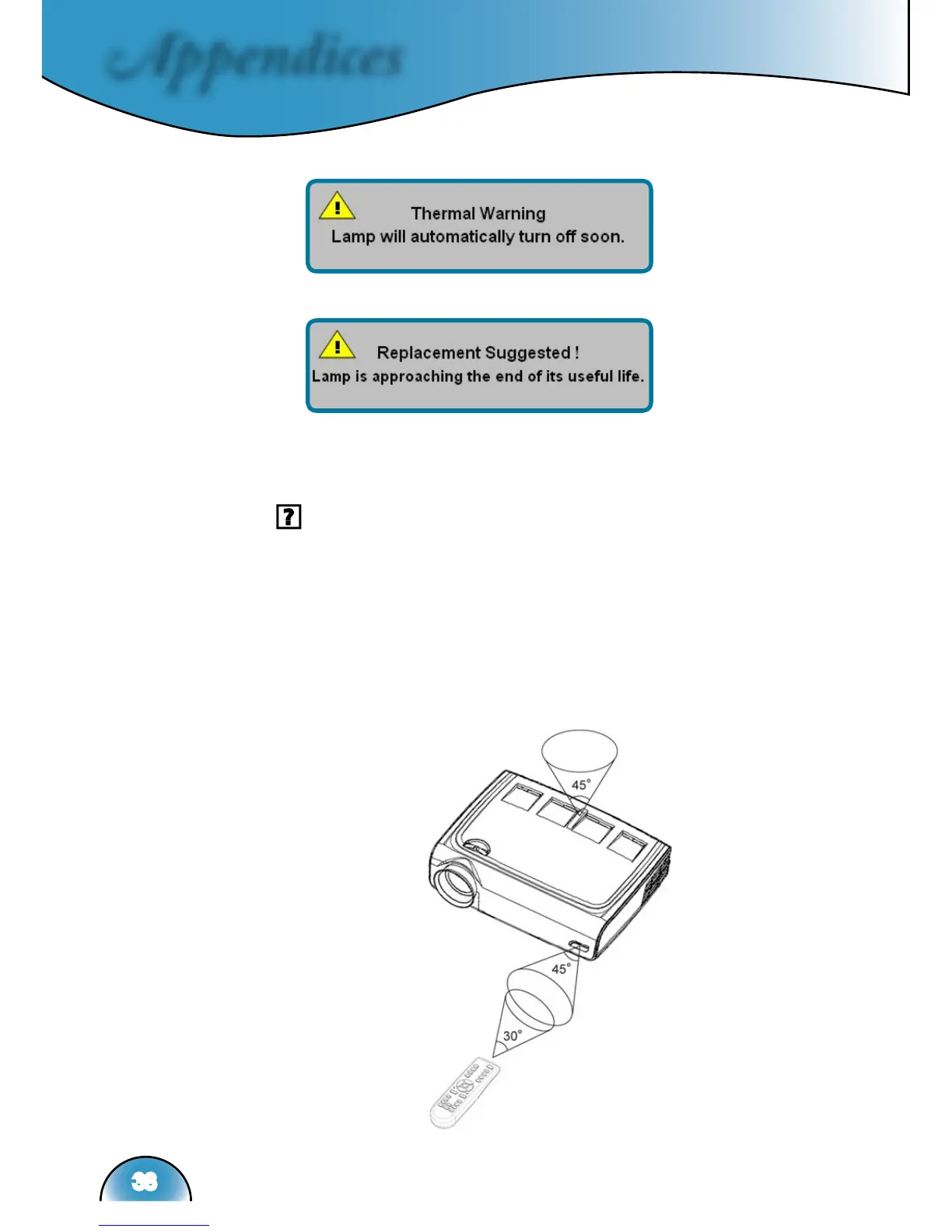
Thermal Warning:
Replacing the lamp:
Remote Control Problems
If the remote control does not work
Check the operating angle for the remote control is approximately
±22.5°.
Make sure there are not any obstructions between the remote con-
trol and the projector. Move to within 6 m (20 ft) of the projector.
Make sure batteries are inserted correctly.
Make sure batteries are exhausted. If so, replace weak batteries in
the remote control.



 To Next Page