User Controls
English
25
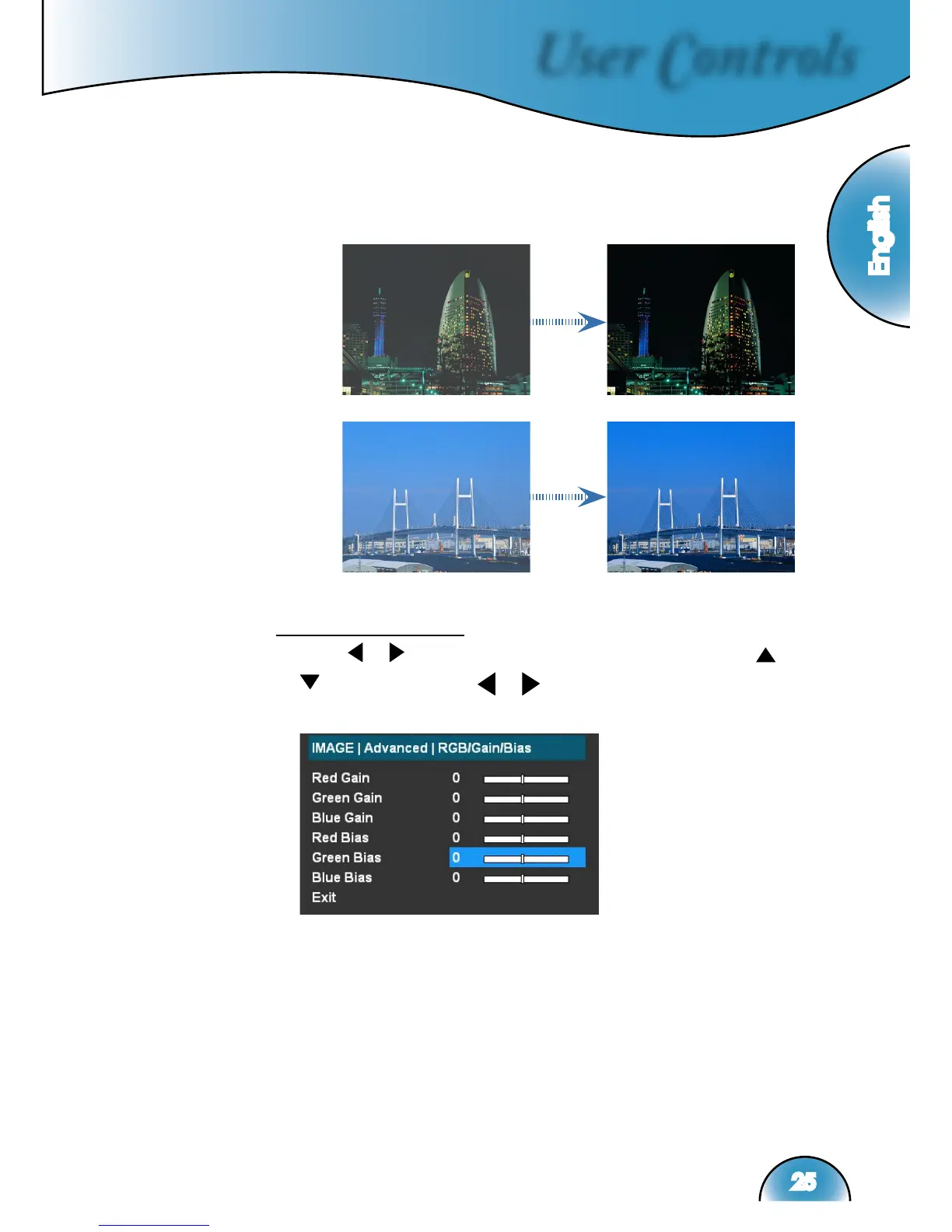
On: The dynamic image performance manager is active in
making sure your greatest pleasure from seeing a movie
dynamically with the most dark details revealed, vivid and
bright image performed all the way.
Off: The dynamic image performance manager is on standby.
RGB/Gain/Bias
Press or into the next menu as below and then use
or
to select item. Use
or
to select Red, Green, or Blue for
brightness (Gain) and contrast (Bias).



 To Next Page