Delta Elec. Inc. EP7155i & EP1691i
Company Confidential Optoma_______________________ Delta____________
31
2010/01/11
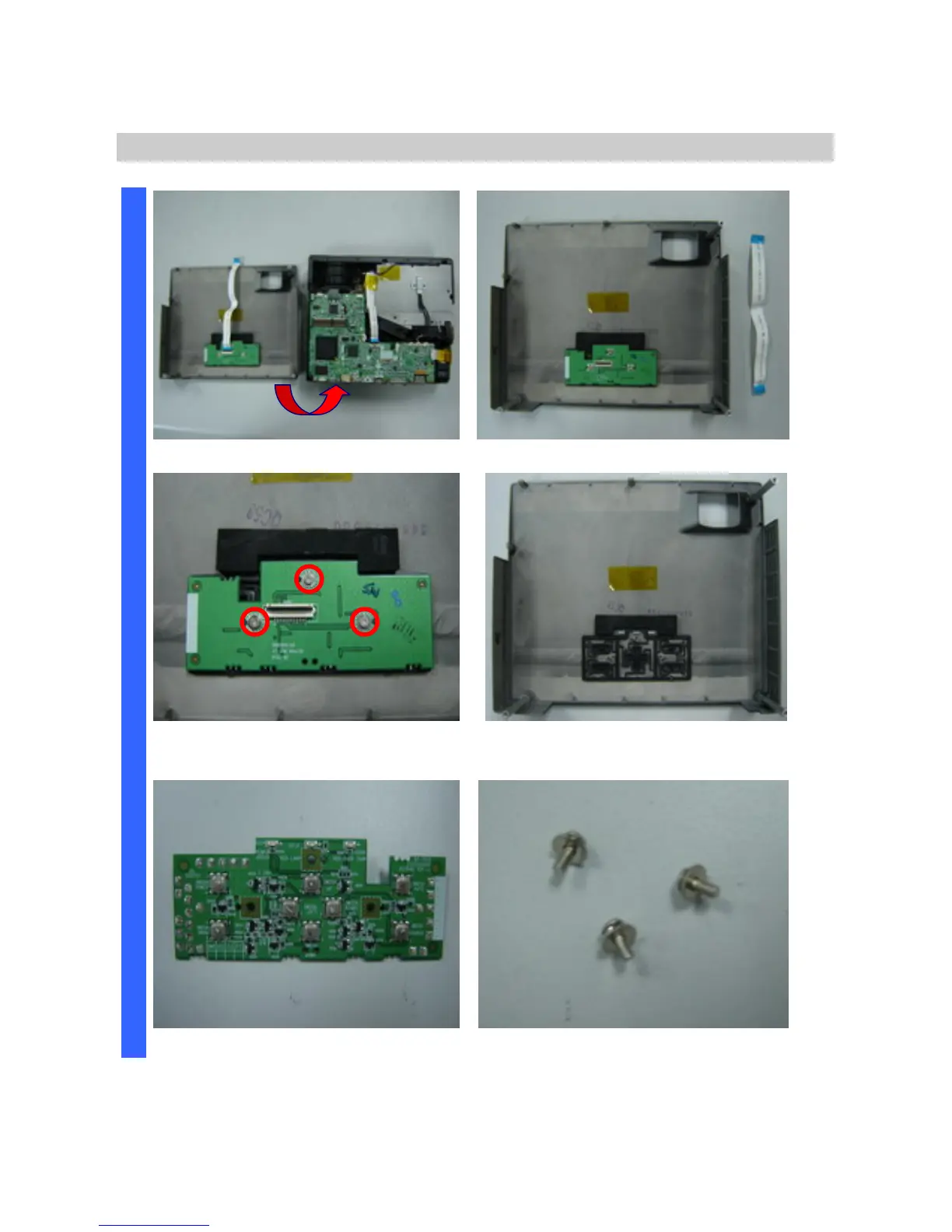
Removing the Top Cover and Keypad Board
Look at the keypad and set side. Look at the keypad side.
Remove the three screws and
Keypad board take off.
After remove the Keypad board.
D
I
S
A
S
S
E
M
B
L
Y
Keypad board review. Look the screws(S03).



 To Next Page