Delta Elec. Inc. EP7155i & EP1691i
Company Confidential Optoma_______________________ Delta____________
44
2010/01/11
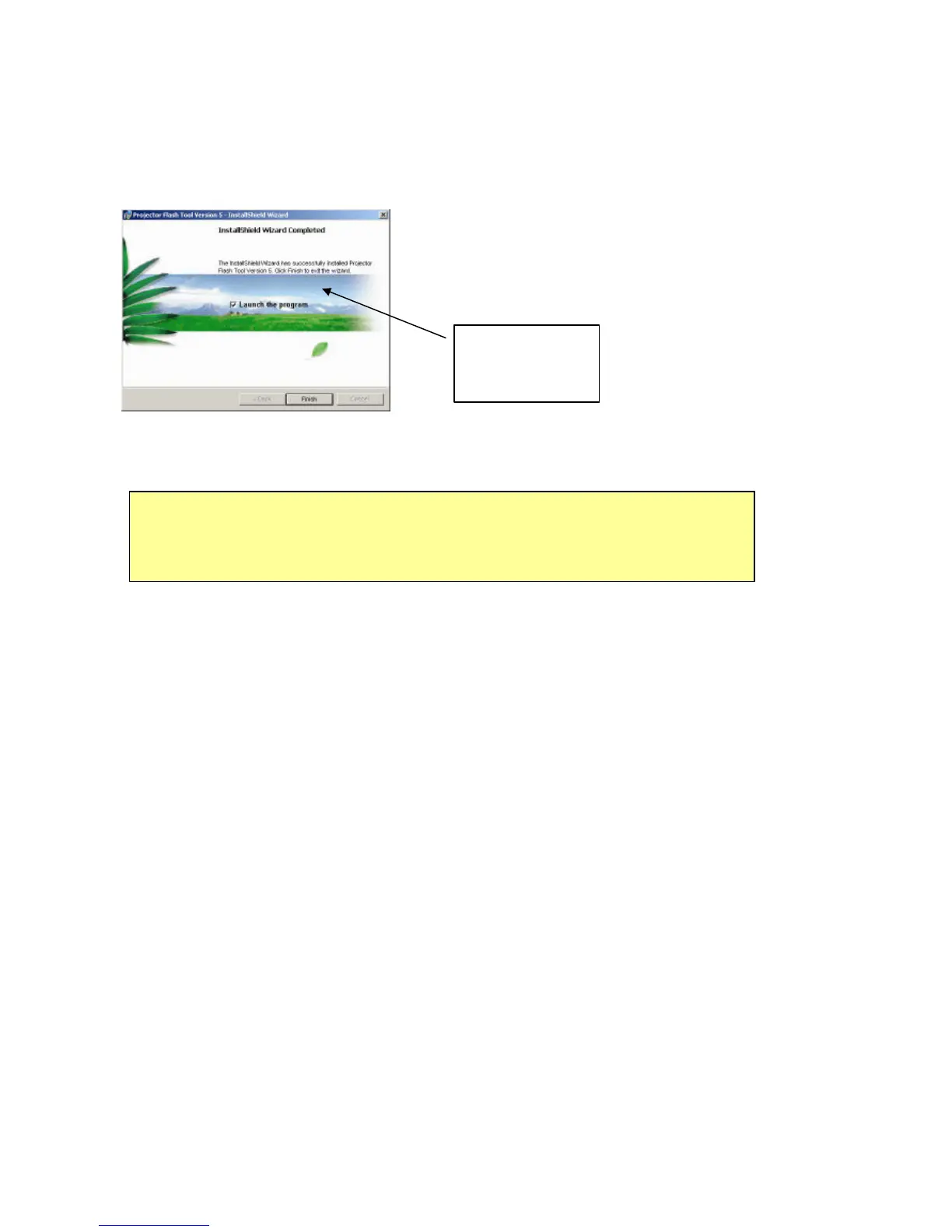
Installation Completed:
z Click on the “Finish” button with the “Launch”
checkbox checked so that the Install Wizard will
start the USB driver (INF update.
Note: The USB driver (INF) update may take a few minutes depending your
computer’s performance, and number of driver files. All dialogs will be
automatically closed when the installation is completed.
Launch the
driver update



 To Next Page