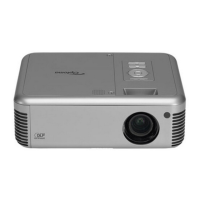
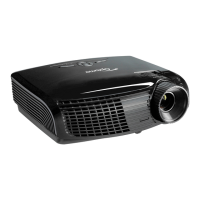
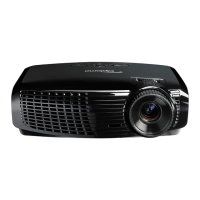
Delta Elec. Inc. EP7155i & EP1691i
Company Confidential Optoma_______________________ Delta____________
45
2010/01/11
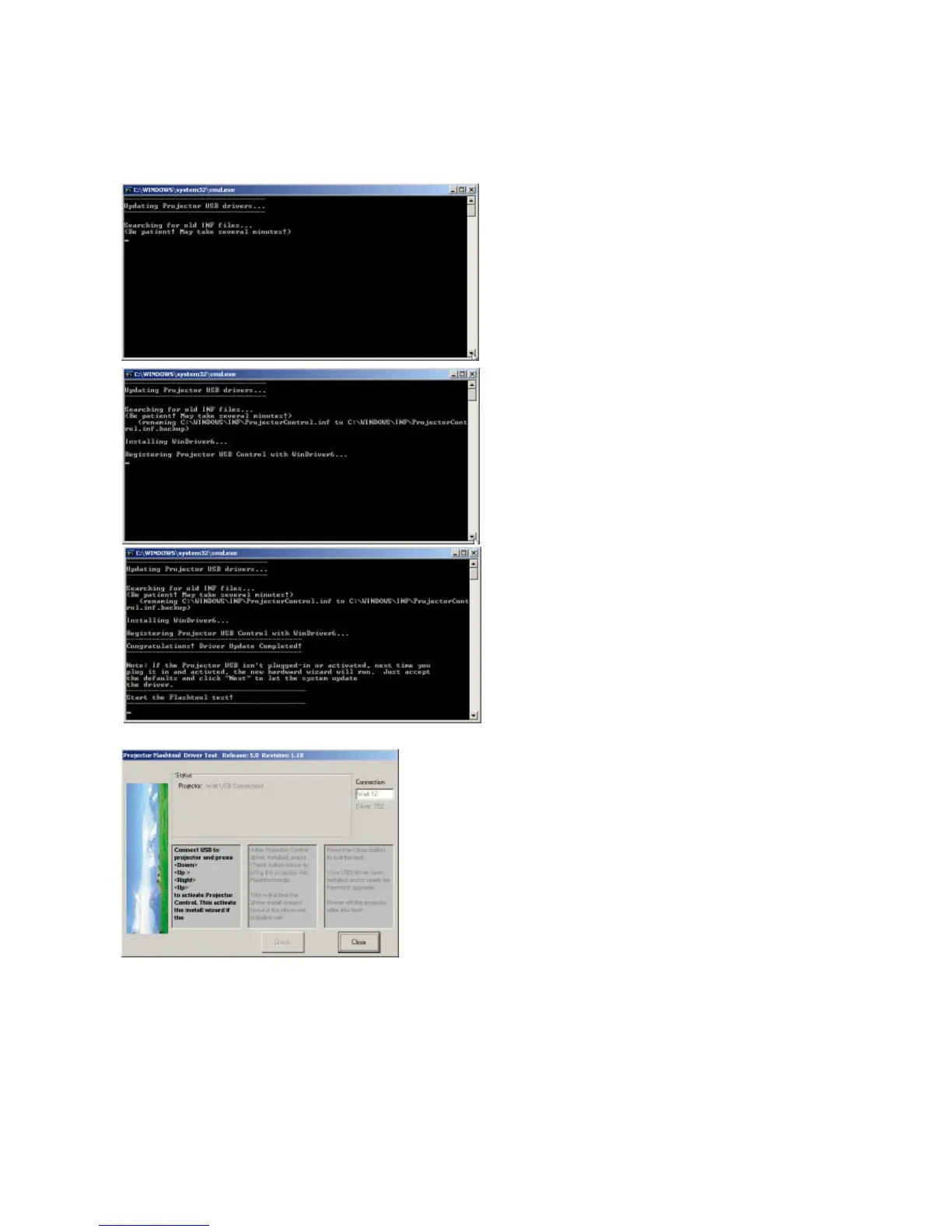
The Install Wizard is searching for the old
driver files to be replaced with the new ones.
z Remove the USB cable between PC
and projector if it is connected.
The WinDrive USB drivers will be installed
and registered to the system.
When finished, a test application will execute
automatically with Windows hardware
wizard for all necessary USB drivers.
z Connect the USB cable
If the driver test application does not launch
automatically, run the “Launch FlashToolBL.exe” from
installed shortcut at
Program> Digital Zoom Projector> projector flashtool>
Launch FlasToolBL.exe



 To Next Page