EasyManua.ls Logo

Optoma UHD35x - OSD Menu Tree Structure

Optoma UHD35x
76 pages
To Next Page IconTo Next Page
To Previous Page IconTo Previous Page
Loading...
English
25
USING THE PROJECTOR
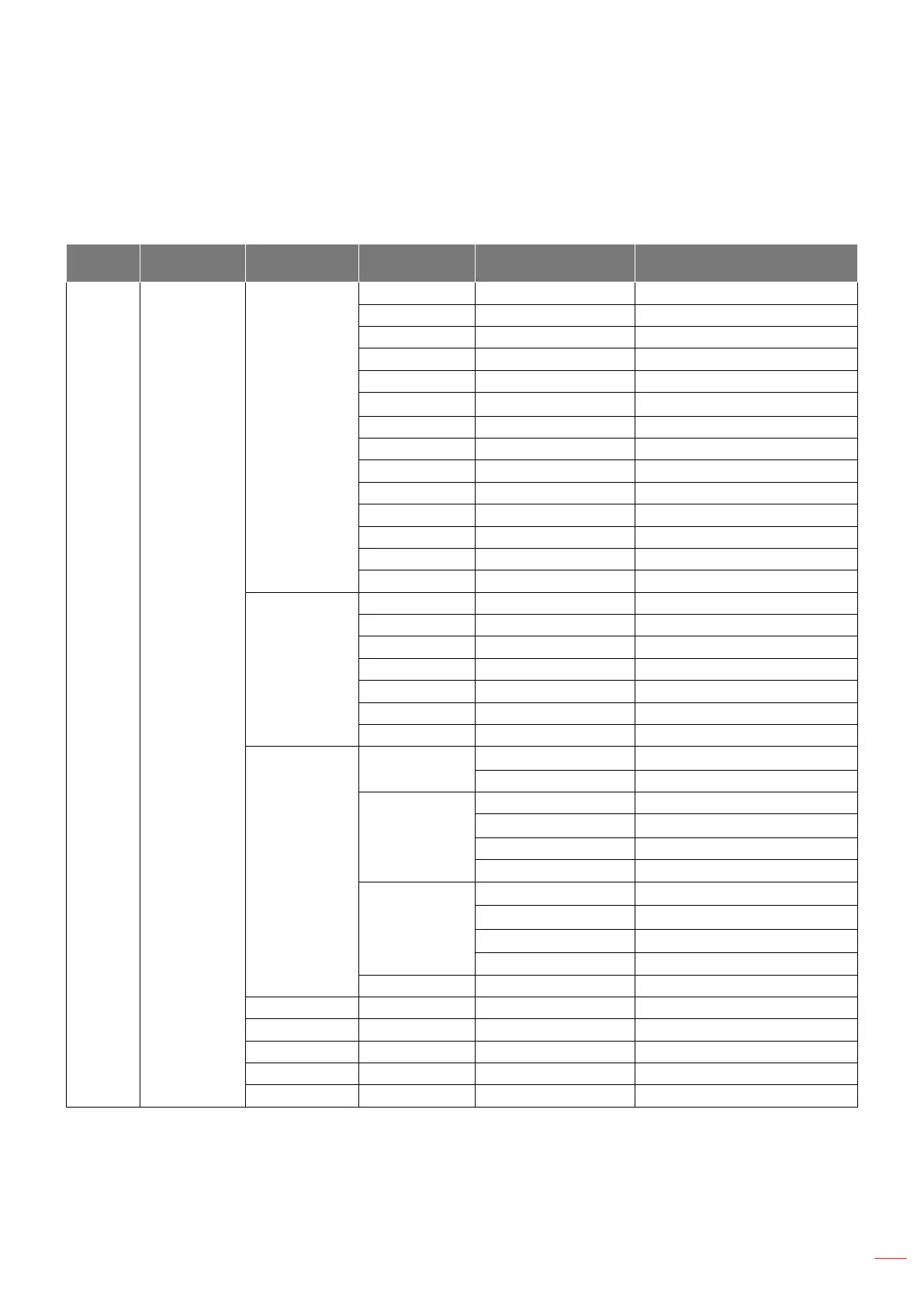
OSD Menu tree
Note: The OSD menu tree items and features are subject to models and region. Optoma reserve the right to add
or remove items to improve product performance without notice.
Main
Menu
Sub Menu Sub Menu 2 Sub Menu 3 Sub Menu 4 Values
Display Image Settings
Display Mode
Cinema
HDR
HLG
HDR SIM.
Game
Reference
Bright
3D
WCG_SDR
WCG_HDR
WCG_HLG
ISF Day
ISF Night
ISF 3D
Wall Color
O󰀨 [Default]
Blackboard
Light Yellow
Light Green
Light Blue
Pink
Gray
Dynamic Range
HDR/HLG
O󰀨
Auto [Default]
HDR Picture
Mode
Bright
Standard [Default]
Film
Detail
HLG Picture
Mode
Bright
Standard [Default]
Film
Detail
HDR Brightness 0 ~ 10
Brightness -50 ~ 50
Contrast -50 ~ 50
Sharpness 1 ~ 15
Color -50 ~ 50
Tint -50 ~ 50

Related product manuals