English
49
USING THE PROJECTOR
Selecting an input source
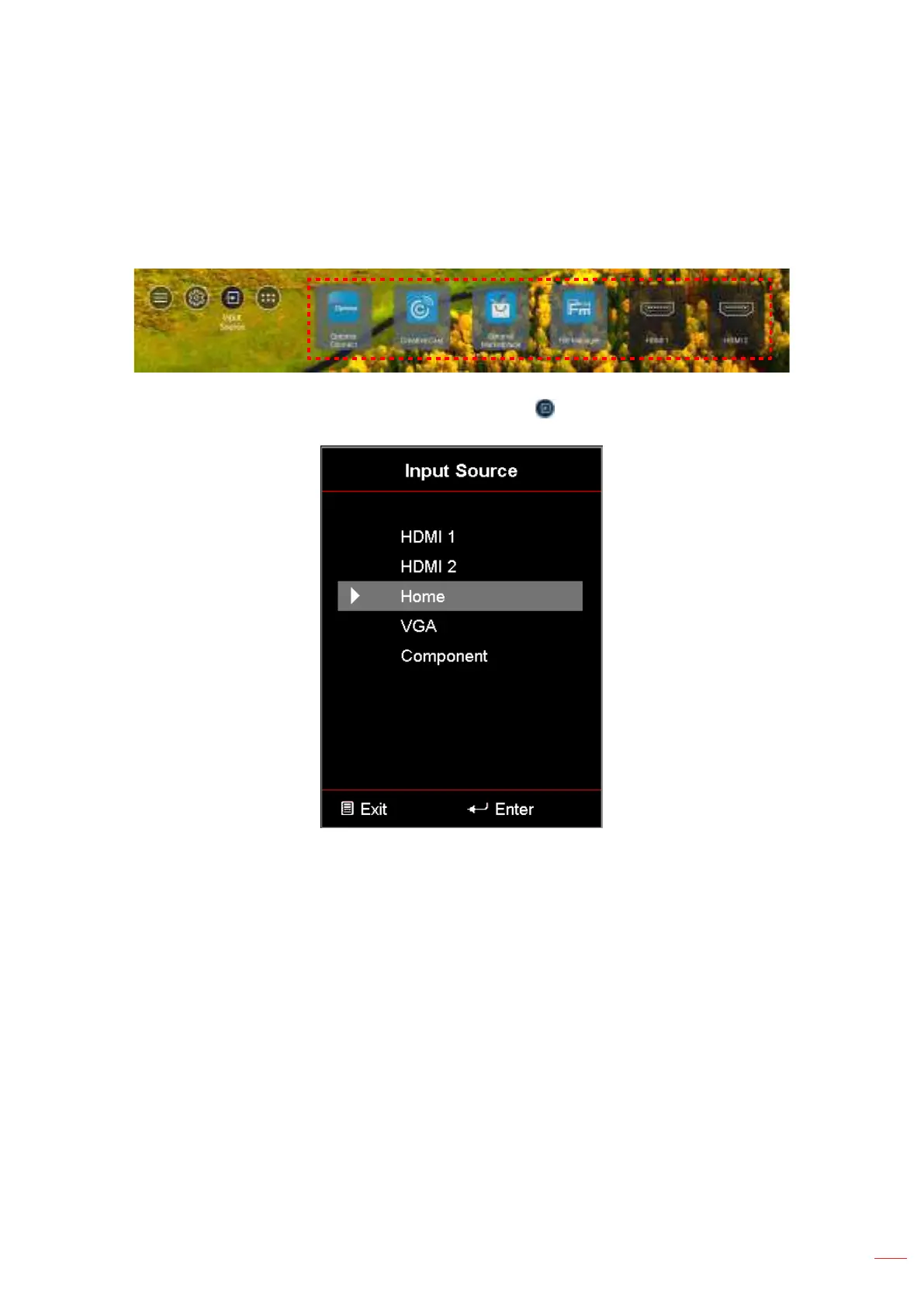
You can select any input source directly on the Home screen using an input shortcut.
Note: You can personalize shortcut settings in “System Settings menu Personalize Home Shortcut”. You
can also modify the shortcut order on the Home screen.
If the desired input source is not visible on the Home screen, select “ ” to view all input options. Then select your
input source or select “HOME” to return to the Home screen.



 To Next Page