Oracle Field Service
Using Core Application
Chapter 2
Dispatcher Activities
View a Group or Bucket in Map View
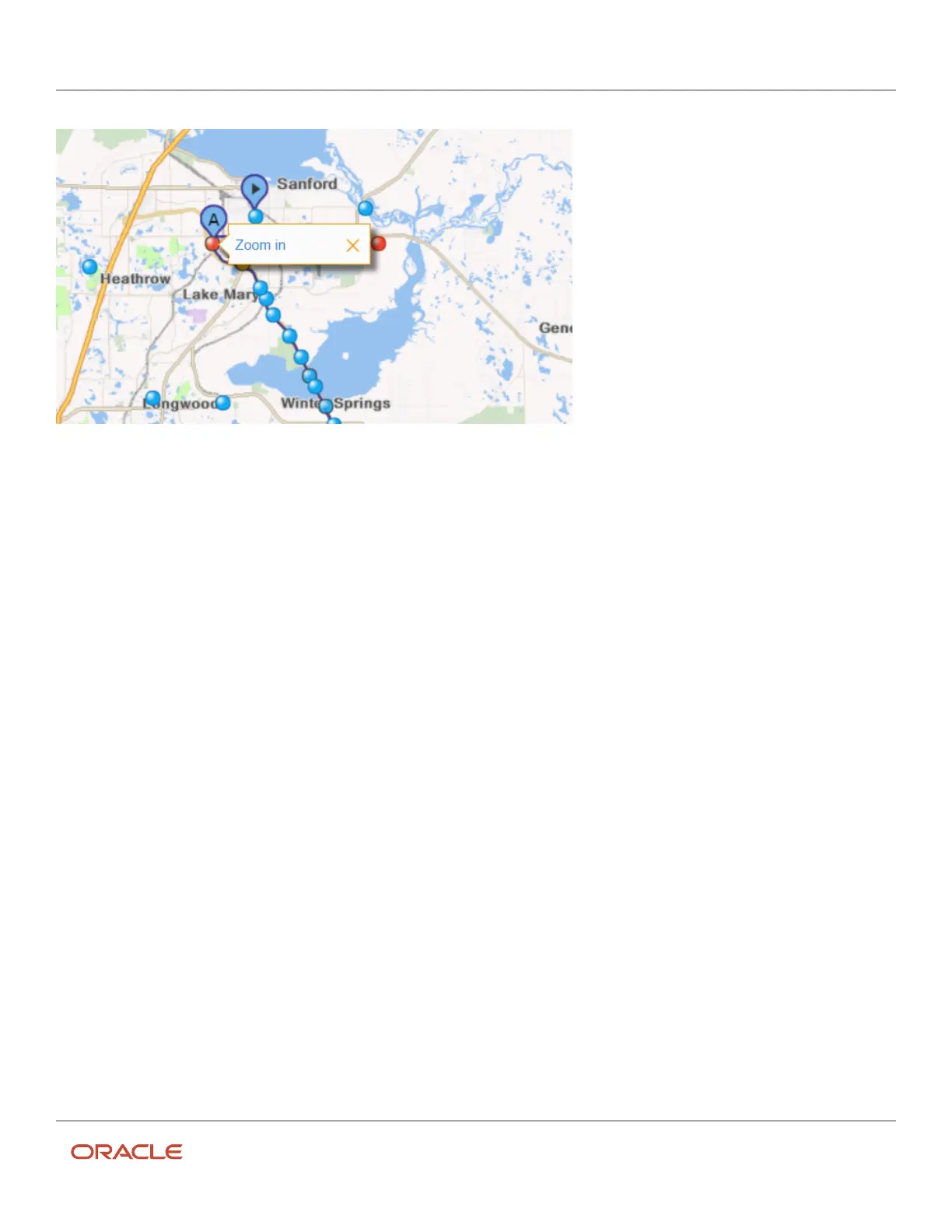
You can see the location of all the resources, including child resources, for a particular group or bucket in the map view.
1. Select a group or bucket from the resource tree.
2. Click Map View.
3. Click View.
The View menu opens.
4. Select the Apply Hierarchically check box.
5. Click Apply.
The map displays and shows the location of 1000 scheduled and 1000 non-scheduled activities on all of the
routes for the resources in the selected group or bucket.
28













 To Next Page