Orah 4i User Guide v1.2.0
3. Updating the Orah 4i system
Prerequisite :
● You will need a USB key Fat32 formatted with at least 1GB of available space.
● You will need the latest firmware. It can be downloaded here
● Your Orah 4i stitching box is turned off, the camera is disconnected from the box, and
Orah 4i web app is closed
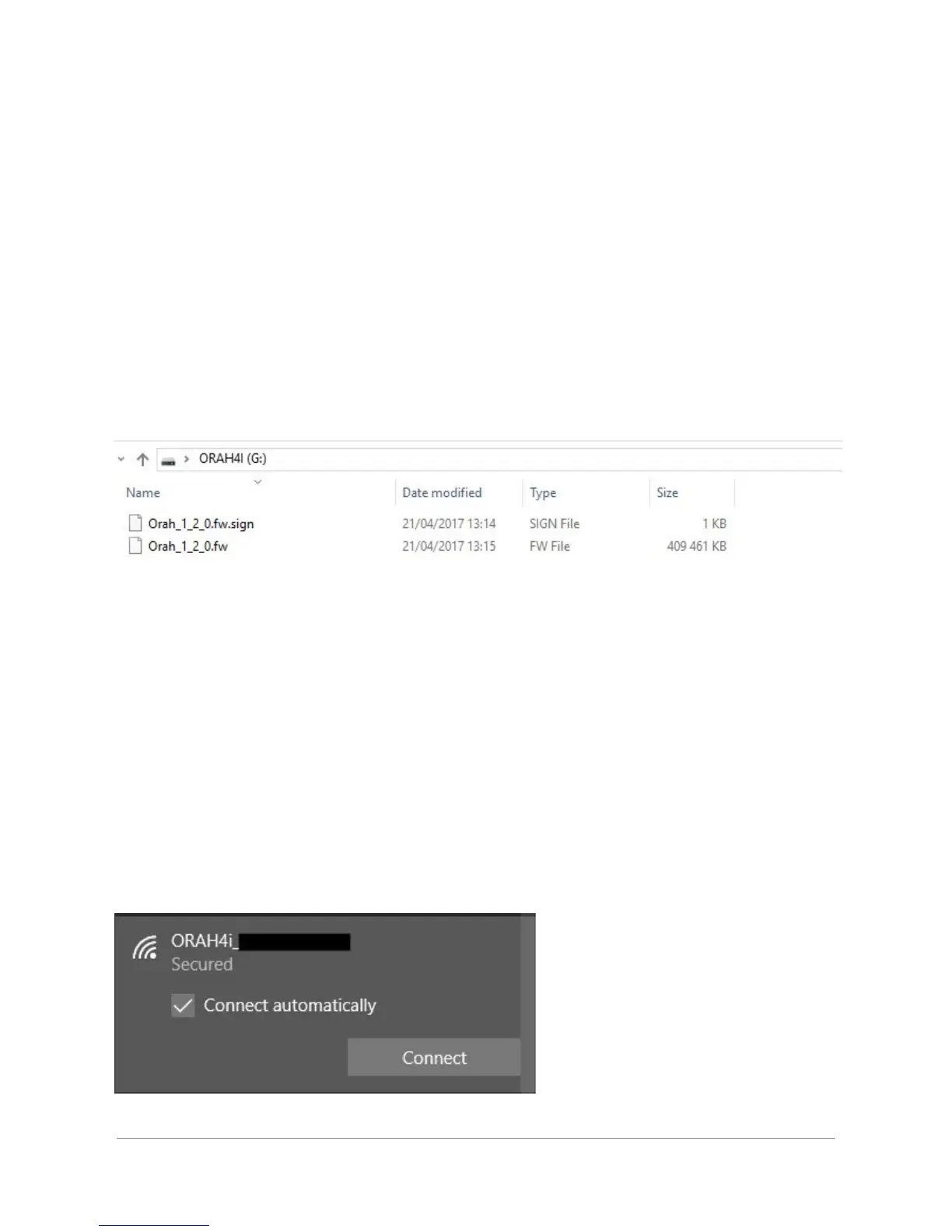
1. Copy and unzip the downloaded firmware to the root of your USB key
Make sure that you do not have other Orah firmware files copied on the same USB key
2. Plug the USB key to one of the USB 2.0 ports of the stitching box
3. Turn the Orah 4i stitching box on
The system will automatically update itself from the USB key. Once the update is completed the
system will reboot and you should hear a bip at the reboot.
Note: The complete update should take 2 to 3 mins.
4. Plug the camera to the stitching box
5. Connect to the wifi network of your Orah system
Orah 4i - User Guide v1.2.0 Copyright 2017 - VideoStitch inc.
This guide is protected under copyright law
9



 To Next Page