Orah 4i User Guide v1.2.0
II. VR Browser
Orah 4i control app let's you live preview the scene it is capturing either flat, with a traditional
360 video interactive view, or even directly in HMD's (Head Mounted Displays).
Interactive preview, and HMD preview enable you to preview the scene exactly as the end user
will experience it. You should use it every time it's possible to adjust the camera positioning.
The default video preview is a flat equirectangular projection. To access interactive and VR
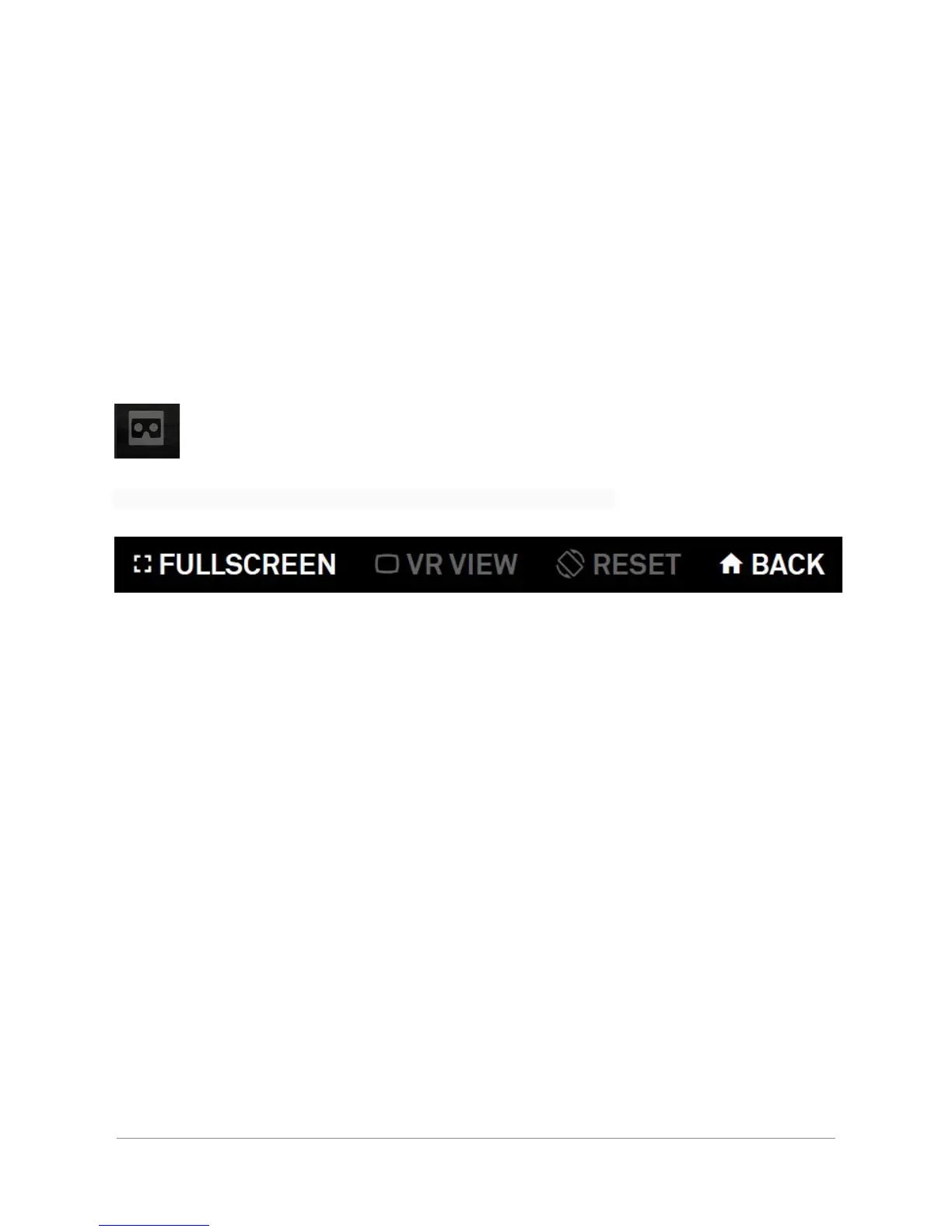
preview, click on the HMD icon.
This will open a dedicated window with the interactive preview player.
● Full Screen: To display the VR browser view in fullscreen. To leave the full screen view
press “esc”.
● VR View: To display a Side to Side view for the Cardboards.
● Reset: To reset the horizon while using a cardboard or a HMD.
● Back: To close the VR Browser and open the classic equirectangular preview.
1.HMD Preview
Orah 4i's HMD preview leverages the WebVR API which provides in browser HMD support.
When the WebVR API is not available in a mobile browser, Orah falls back automatically to a
'cardboard' type of preview.
If your browser supports the WebVR API, or if your are using a smartphone, the 'VR preview'
will be enabled and let you toggle the HMD preview mode.
Orah 4i - User Guide v1.2.0 Copyright 2017 - VideoStitch inc.
This guide is protected under copyright law
22


 To Next Page