Orah 4i User Guide v1.2.0
Audio
I. Audio sources
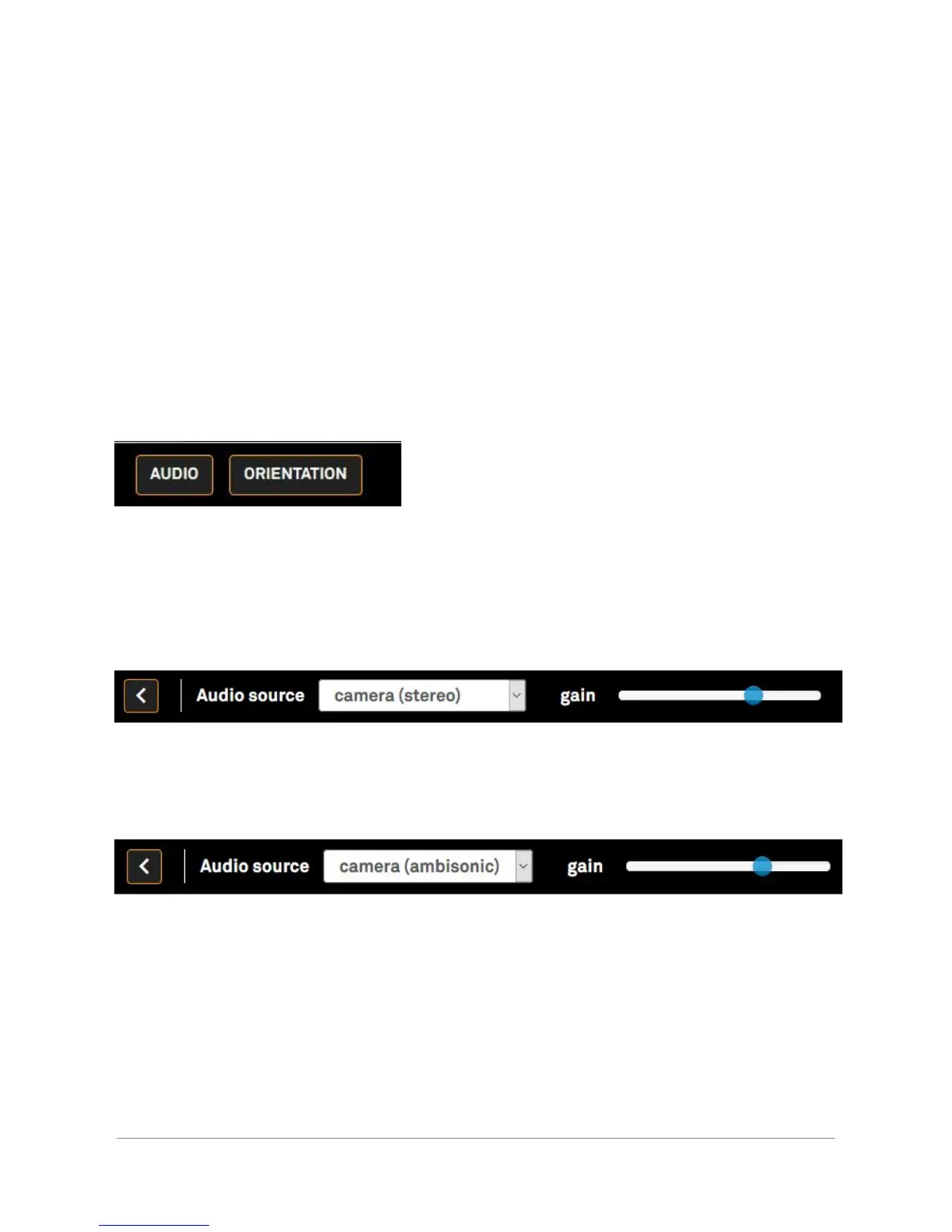
By clicking on the “Audio” button on the bottom left of the interface, the audio settings display.
It can take 3 to 5 seconds for the modifications to be applied. This is due to the streaming
protocol we are using (HLS).
● There is two ways to capture the sound from the camera: stereo and ambisonic.
● Stereo: The preview, the broadcast and the record are in stereo.
● Ambisonic: The VR preview, the broadcast and the record are in ambisonic
sound.
Please note that the equirectangular preview is always in stereo, no matter which audio source
is selected.
When the camera source is selected, the gain slider displays. The gain permits to change the
sensibility of the microphone (the value ranges from -12 to +67.5).
The higher the gain, the more sensitive the microphones.
Orah 4i - User Guide v1.2.0 Copyright 2017 - VideoStitch inc.
This guide is protected under copyright law
24


 To Next Page