Orah 4i User Guide v1.2.0
Broadcast
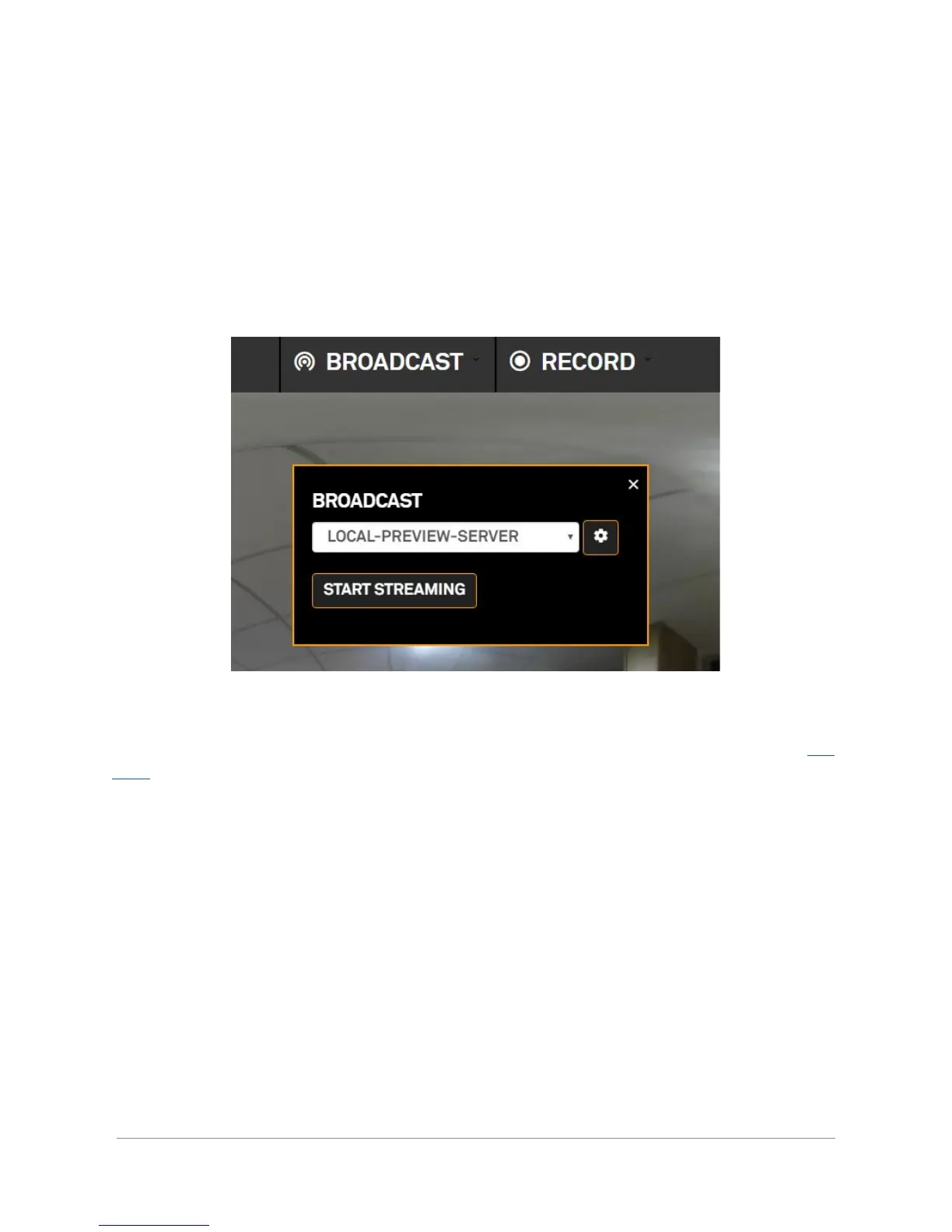
Broadcast option is available straight from the homescreen. Pressing this button opens a
broadcast box.
Choose from one of the created profiles. Click the cog to view or modify the profile. Refer to this
page for more information about this section.
Click “start streaming” to publish the panoramic video to the selected preset. Once the
streaming has started it must be stopped to make any change to the preset (framerate,
resolution…).
Orah 4i - User Guide v1.2.0 Copyright 2017 - VideoStitch inc.
This guide is protected under copyright law
29



 To Next Page