Orah 4i User Guide v1.2.0
You can refer to the Orah Quick Start guide for more explanation
6. Connect to the Orah 4i web application
You can access the web application by connecting to 10.224.224.224 after connecting to your Orah
4i wifi network.
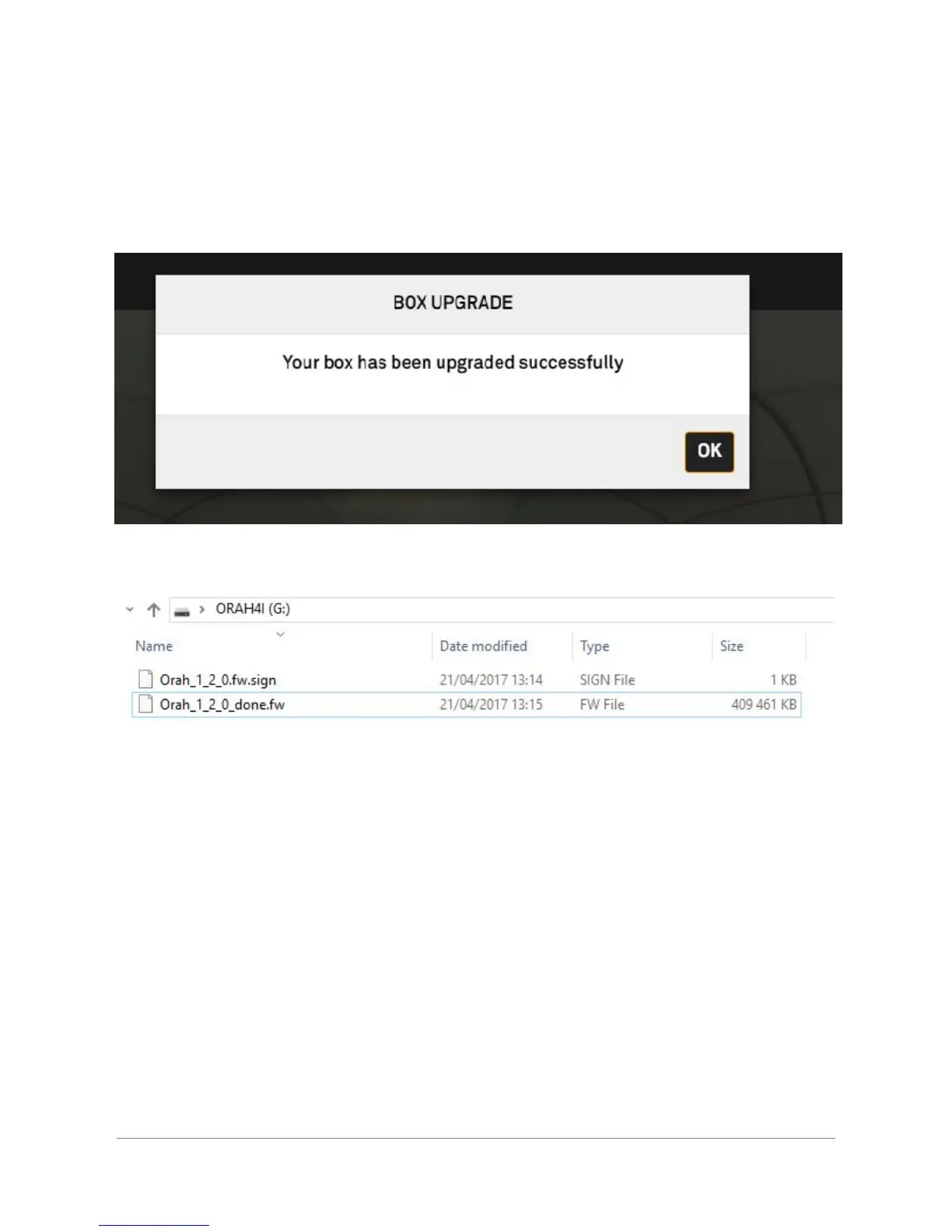
In the home screen, a pop-up will notify you of the successful update
You can also open your USB key, the firmware file will now be suffixed "done" after a successful
update
If the firmware of your camera is not the latest one, you will see a notification in the web application
prompting you to update the camera firmware. This update is done automatically through the web
application.
4. Updating the Orah 4i camera
Any given version of the Stitching Box embed an approved and validated Camera firmware.
Each time the Orah 4i camera is connected to a stitching box, the stitching box will check the
camera’s firmware (FW) version.
Orah 4i - User Guide v1.2.0 Copyright 2017 - VideoStitch inc.
This guide is protected under copyright law
10



 To Next Page