Orah 4i User Guide v1.2.0
II. Updating the stitching box
To enjoy the best experience using our product, we recommend you to keep the Orah camera and
stitching box up to date.
Updates will install new features and corrections.
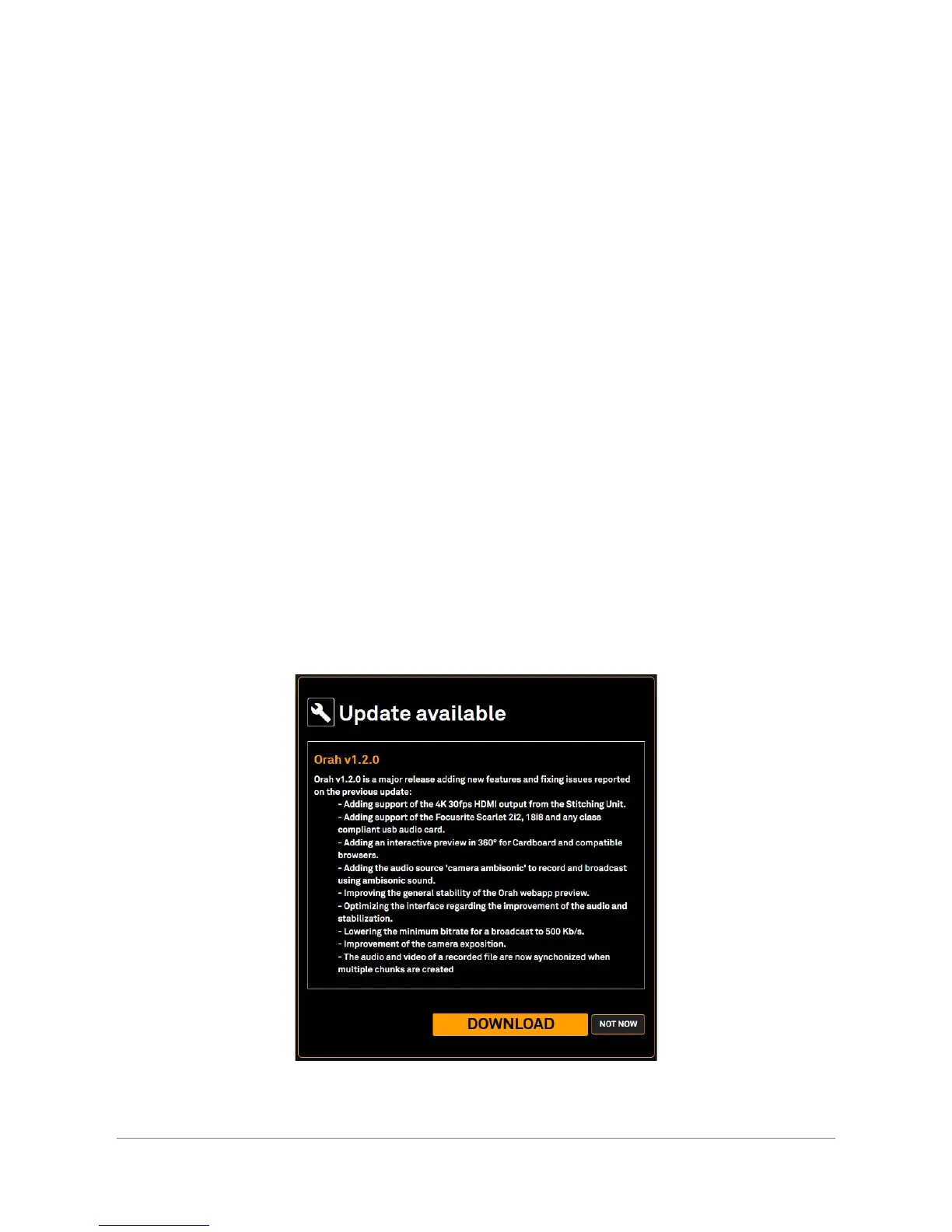
If the stitching box is connected to the internet and a new firmware version is available, a
notification will appear in the web control application.
Note : You need to be connected to the internet to be notified of updates.
If you launch the update, you will be redirected to an instruction page to download and install
the new firmware.
If you select the "not now" option, no update will happen and you will be redirected to the web
control application home screen.
1. Update via the "Update Pop up"
Click on DOWNLOAD to open a new web page and discover the changes available and
proceed with the download. If you do not want to download at this time select NOT NOW.
Orah 4i - User Guide v1.2.0 Copyright 2017 - VideoStitch inc.
This guide is protected under copyright law
6



 To Next Page