Orah 4i User Guide v1.2.0
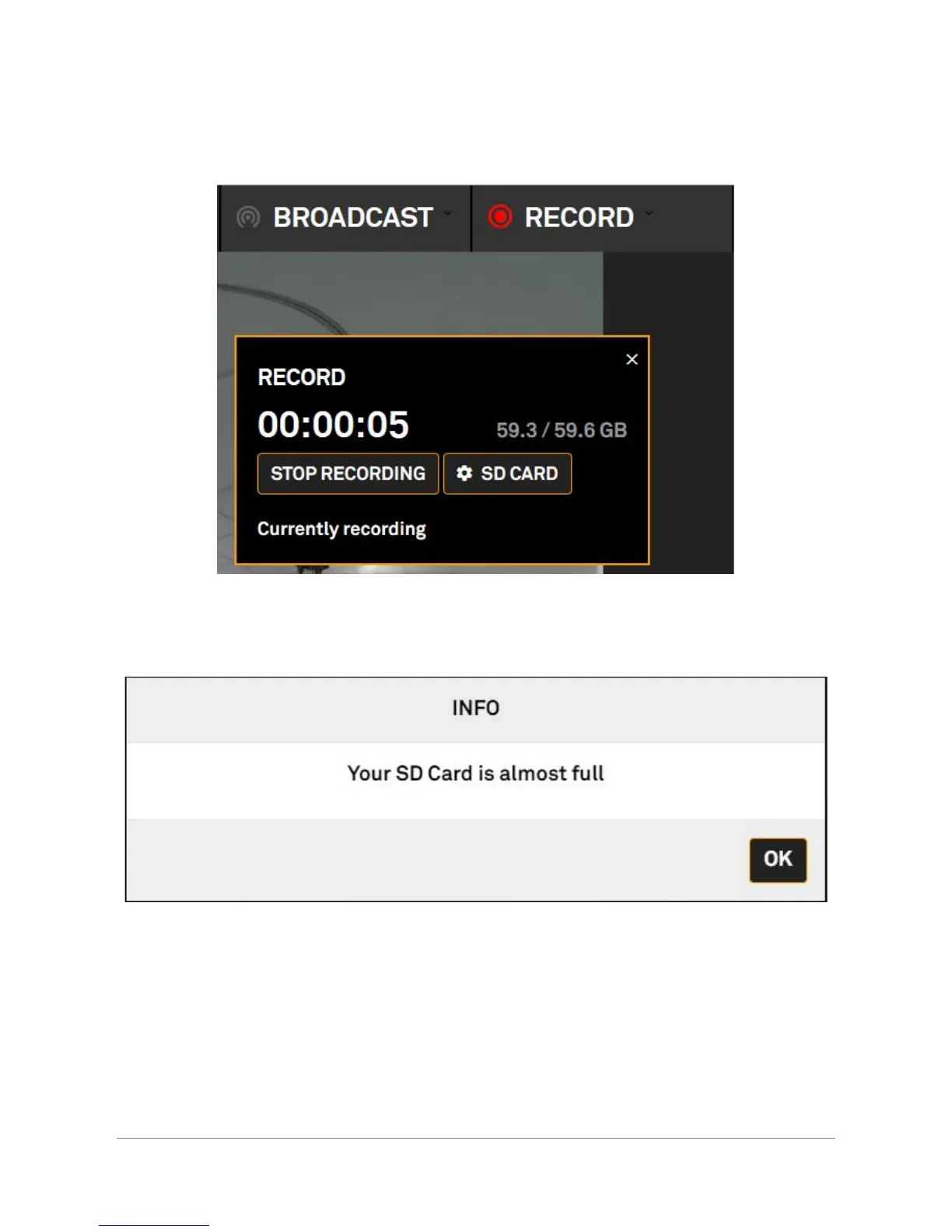
● In the record state, it is possible to launch a record. Click on “start recording” to begin the
record. To stop it, simply click on “stop recording”.
● When your SD card is nearly full, a warning will be displayed
● The Recording will stop when the card is full
Orah 4i - User Guide v1.2.0 Copyright 2017 - VideoStitch inc.
This guide is protected under copyright law
35



 To Next Page