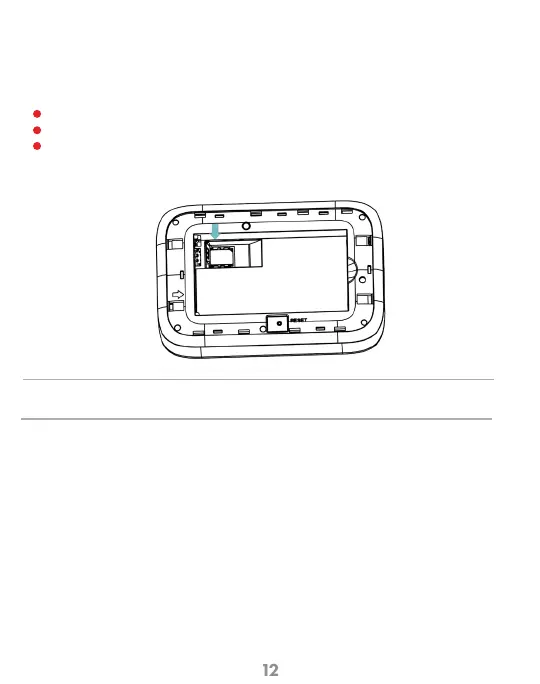
Replacing the 5G LTE SIM Card
CAUTION!
Do not bend or scratch your SIM card. Avoid exposing your SIM card to static electricity, water, or dirt.
Your SIM (Subscriber Identity Module) card is a small rectangular plastic card
that stores your phone number and important information about your wireless service.
Your Mobile Hotspot comes with the SIM card already installed.
Remove cover using the cut out on the back cover.
Remove the battery.
Carefully slide the latch of the SIM tray to the left to take out the SIM card. Place
new SIM card into the slot and slide latch to the right to lock it in place.
1
2
3



 To Next Page