Managing your Mobile Hotspot
Using Your Mobile Hotspots (cont’d)
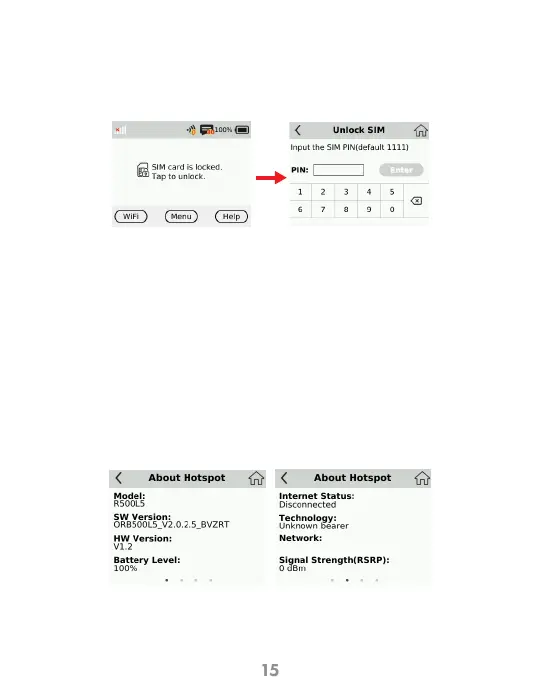
If you have a PIN lock on your SIM
You can manage your settings directly on the Mobile Hotspot’s screen, or by using the
website. In this chapter, we will show you what features you can manage on your
Mobile Hotspot’s screen. For website instructions, including features that can only be
managed on the website, see page 23.
SIM Locked Screen Unlock SIM Screen
You can go Menu >Unlock SIM screen to unlock
And enter your password to unlock it.
About Hotspot
View device info from the Home Screen tap Menu > About Hotspot
About Hotspot info About Hotspot info



 To Next Page