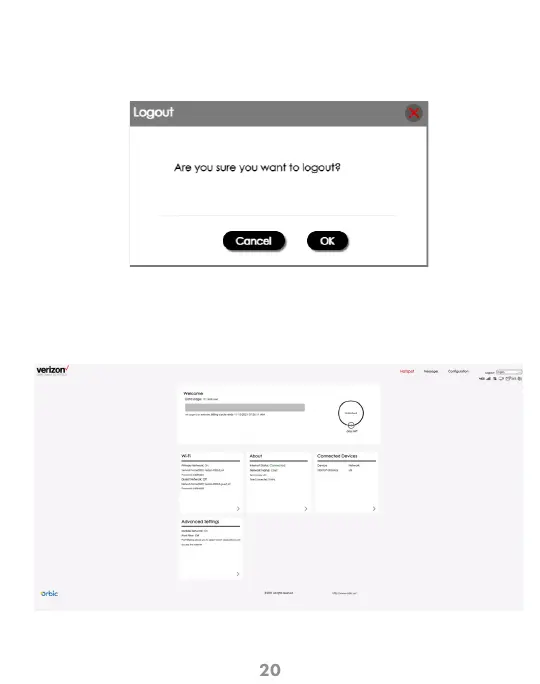
Click the logout in the upper right corner, and a prompt box will pop up. Click OK
to successfully exit the system and return to the login interface. You need to enter
the password again to enter the system.
User Logout
The Home page allows you to quickly access commonly used links and all available
menu options for your Mobile Hotspot. The Internet Info is displays the key information
of your device.
The Mobile Hotspot Website UI Home Screen



 To Next Page